Selecting the Route Settings
-elect ROUTE SETTINGS in the route menu with the
"ght knob and press it to confirm selection.
Navigation
NOTE: These settings are stored in memory and
won't change, even if the ignition is turned off
and on.
:=.HOt(i ROUTE
FAST ~~(JUTE
RESTR leT IOr"iS
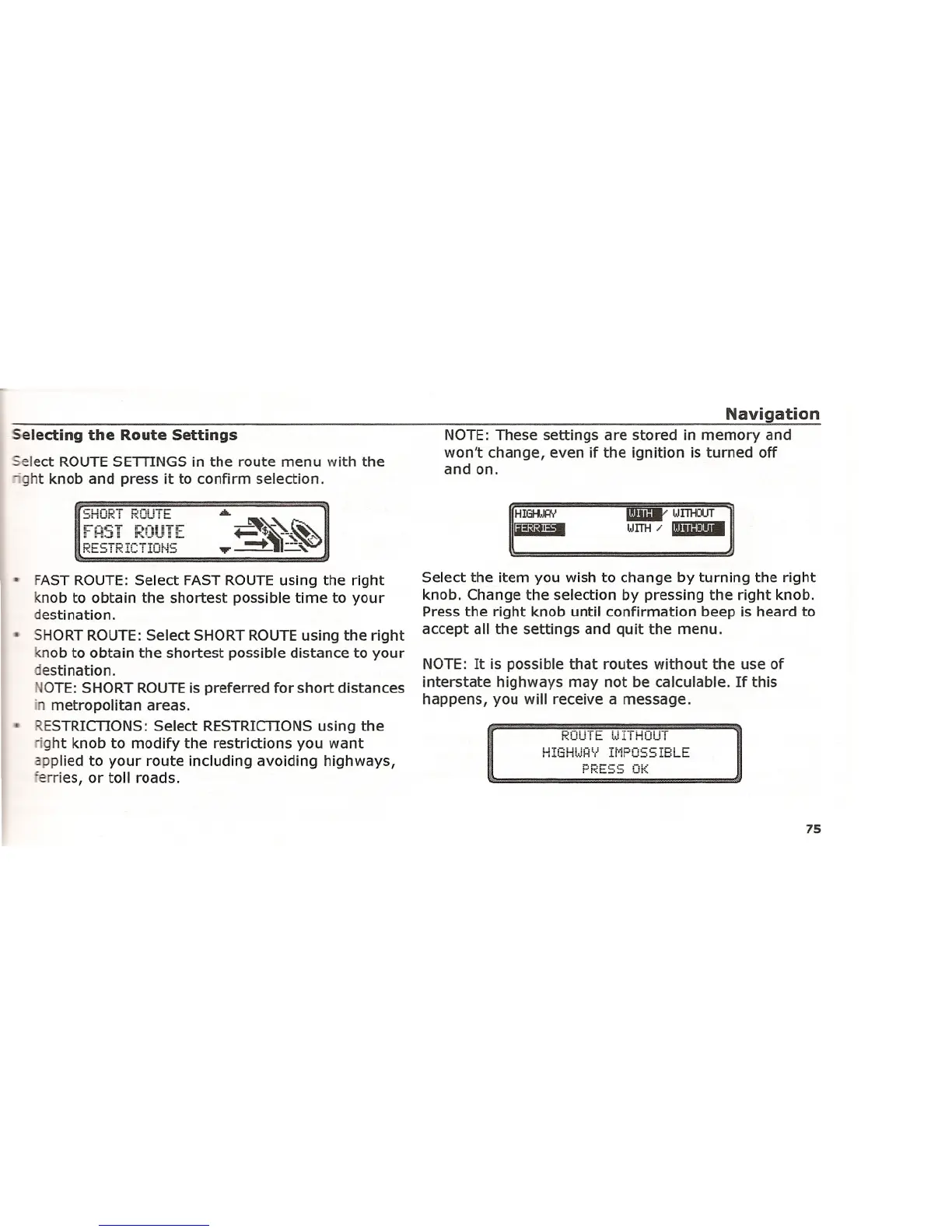
FAST ROUTE: Select FAST ROUTE using the right
knob to obtain the shortest possible time to your
destination.
SHORT ROUTE: Select SHORT ROUTE using the right
knob to obtain the shortest possible distance to your
destination.
GTE: SHORT ROUTE is preferred for short distances
in metropolitan areas.
ESTRICTIONS: Select RESTRICTIONS using the
'ght knob to modify the restrictions you want
applied to your route including avoiding highways,
ferries, or toll roads.
Select the item you wish to change by turning the right
knob. Change the selection by pressing the right knob.
Press the right knob until confirmation beep is heard to
accept all the settings and quit the menu.
NOTE: It is possible that routes without the use of
interstate highways may not be calculable. If this
happens, you will receive a message.
i'::OU i to. lJ Ii HOU i
H!GHW~Y IMPOSSIBLE
75















 To Next Page