Pressthe left knob during route guidance.
Navigation
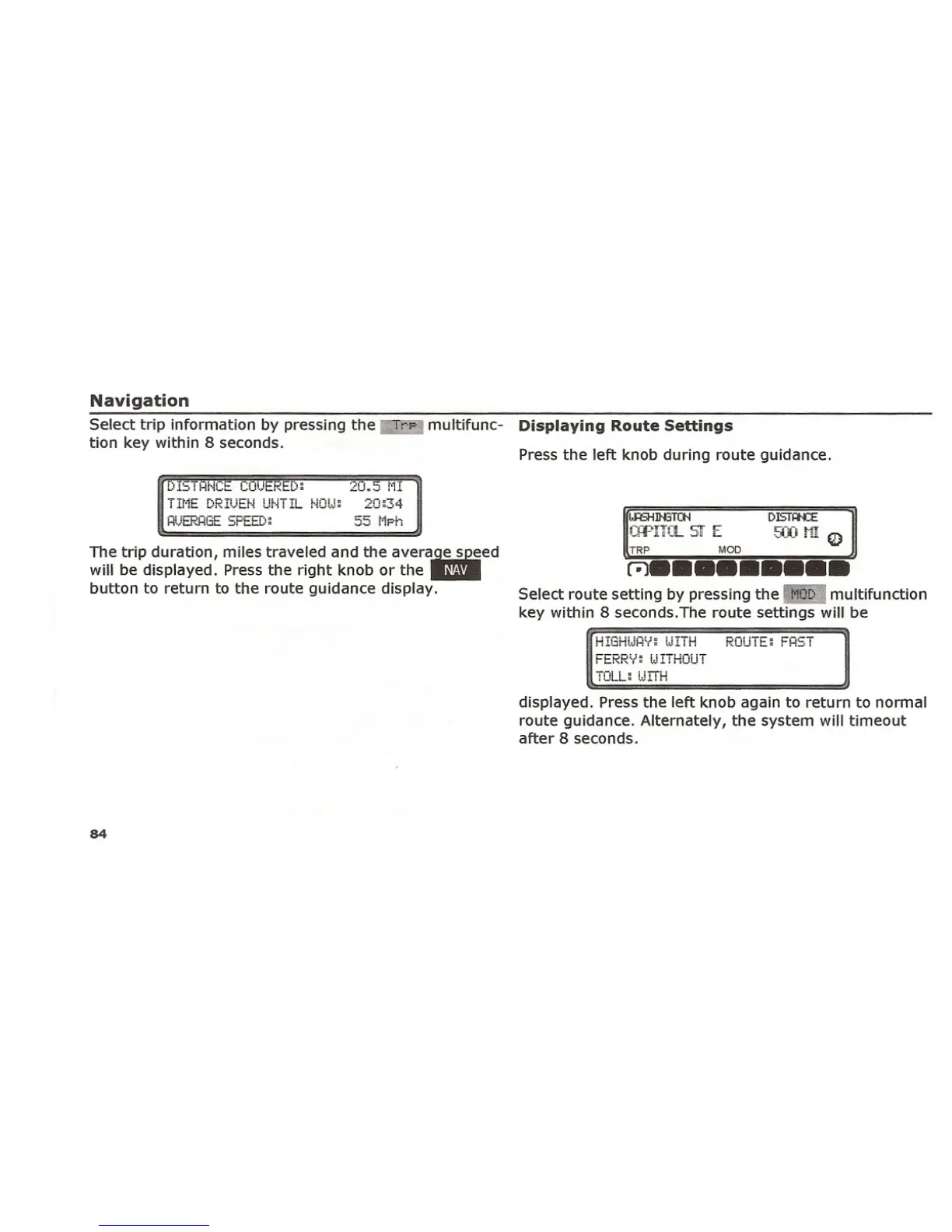
Select trip information by pressing the "h)" multifunc- Displaying Route Settings
tion key within 8 seconds.
The trip duration, miles traveled and the avera~ed
will be displayed. Pressthe right knob or the ~
button to return to the route guidance display.
DIST~
MODTRP
9)) t1! Q)
r;)•••••••••
Select route setting by pressing the" multifunction
key within 8 seconds.The route settings will be
55 t'lphHi..Jt:.~HGE SPEED;
HIGf-HJP.'." lJITH
FERRV: tJITHOUT
TOLL: UITH
displayed. Pressthe left knob again to return to normal
route guidance. Alternately, the system will timeout
after 8 seconds.
84















 To Next Page