Navigation
TRP :'10r;. fIIlI ====!Z'l
••••• 8••••
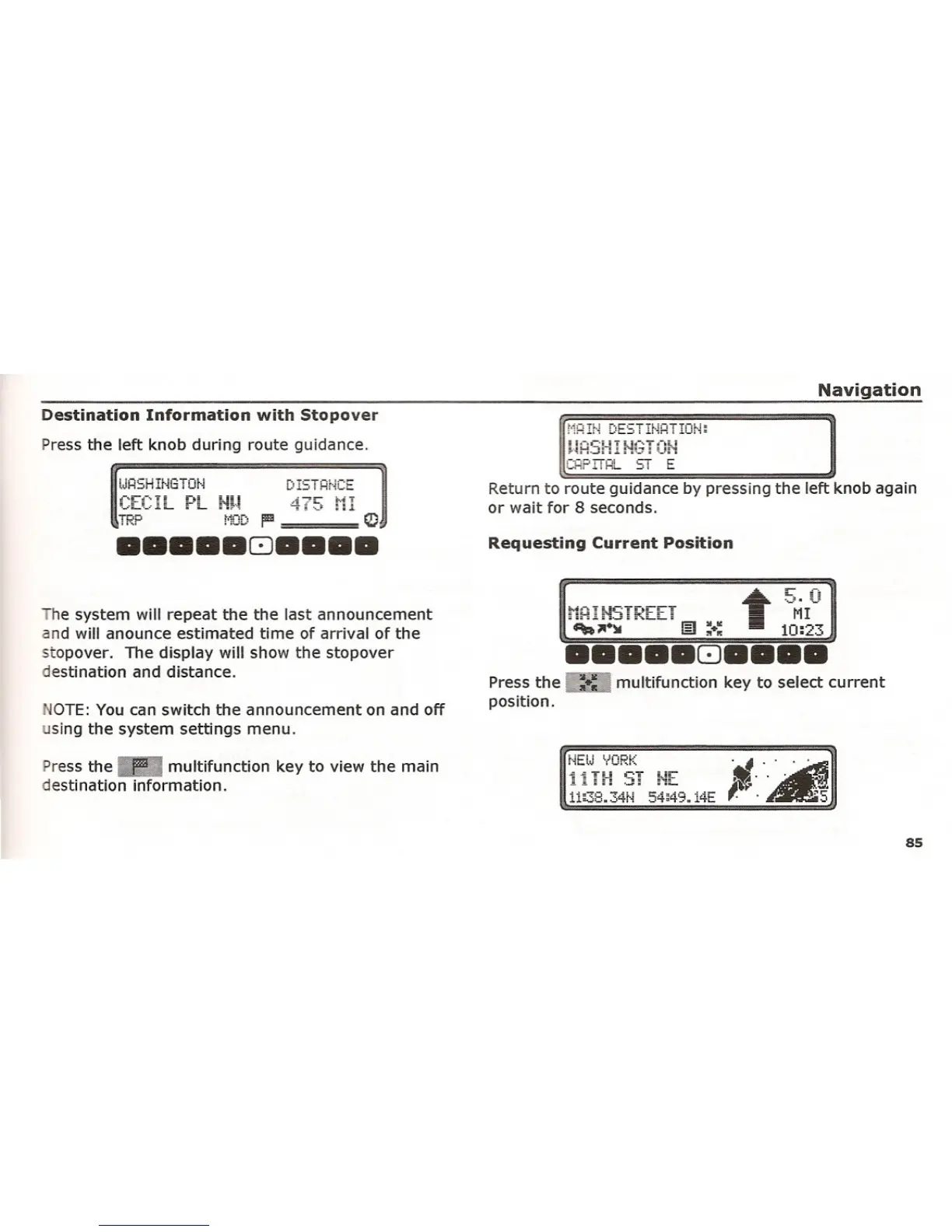
Destination Information with Stopover
Press the left knob during route guidance,
Requesting Current Position
Return to route guidance by pressing the left knob again
or wait for 8 seconds.
lJHSH H'iGTOr"i
he system will repeat the the last announcement
and will anounce estimated time of arrival of the
stopover. The display will show the stopover
destination and distance.
OTE: You can switch the announcement on and off
sing the system settings menu.
Press the
I:!Imultifunction key to select current
position.
Press the
IIImultifunction key to view the main
destination information.
l1li38.34t·i 54~49..
14E
85















 To Next Page