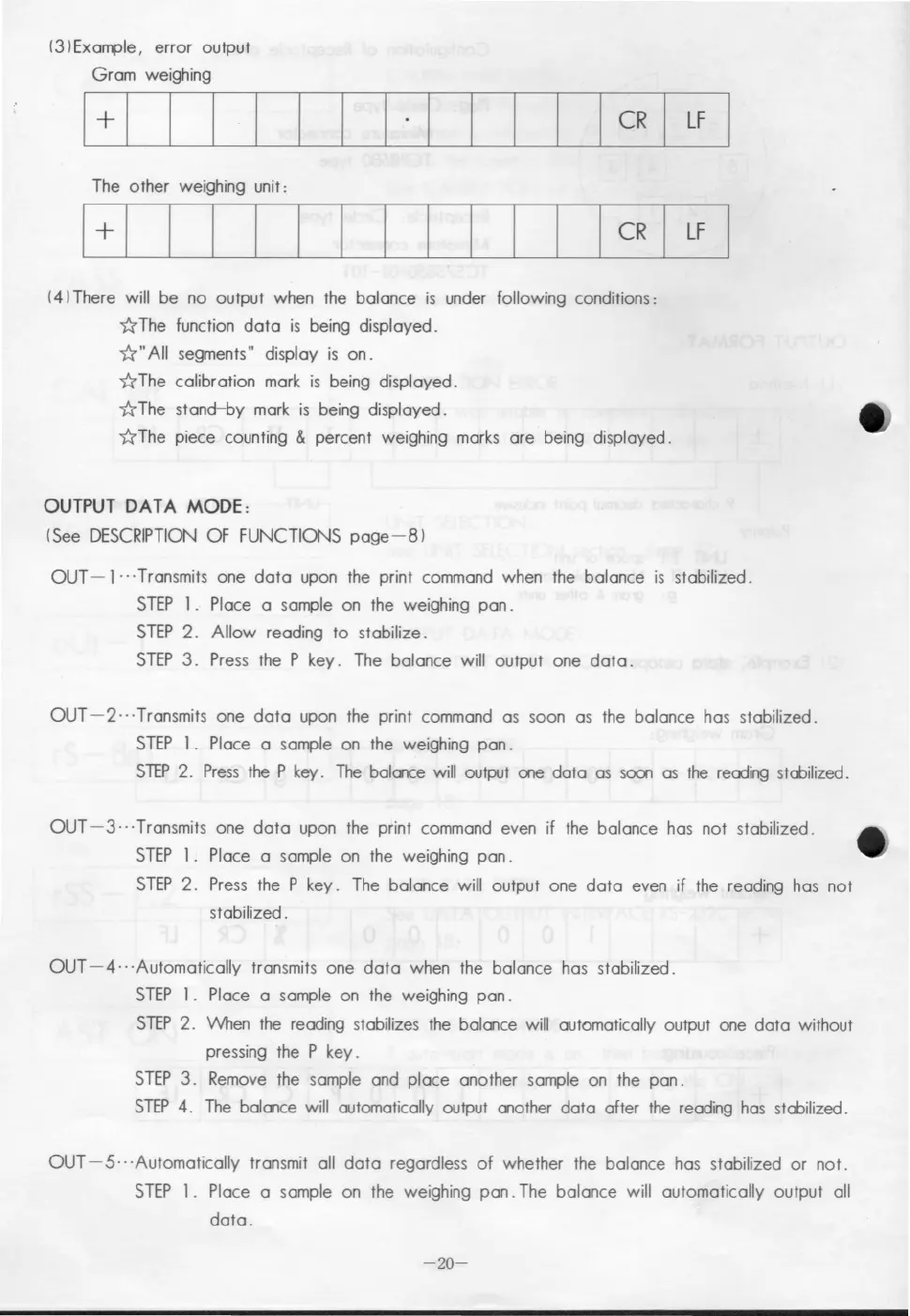
(3lExample, error output
Gram weighing
The other weighing unit:
(4lThere will be no output when the balance is under following conditions:
~The function data is being displayed.
~"AII segments" display is on.
~ The calibration mark is being displayed.
~ The stand-by mark is being displayed.
~ The piece counting
& percent weighing marks are being displayed.
OUTPUT DATA MODE:
(See DESCRIPTION OF FUNCTIONS page-81
OUT - 1... Transmits one data upon the print command when the balance is stabilized.
STEP l. Place a sample on the weighing pan.
STEP 2. Allow reading to stabilize.
STEP 3. Press the P key. The balance will output one data.
OUT-2···Transmits one data upon the print command as soon as the balance has stabilized.
STEP l. Place a sample on the weighing pan.
STEP 2. Press the P key. The balance will output ale data as
SOCX1 as the reading stabilized.
OUT-3···Transmits one data upon the print command even if the balance has not stabilized.
STEP l. Place a sample on the weighing pan.
STEP 2. Press the P key. The balance will output one data even if the reading has not
stabilized.
OUT -4·· 'Automatically transmits one data when the balance has stabilized.
STEP l. Place a sample on the weighing pan.
STEP 2. When the reading stabilizes the balance will automatically output one data without
pressing the P key.
STEP 3. Remove the sample and place another sample on the pan.
STEP 4. The balance will automatically output another data after the reading has stabilized.
OUT -5"'Automatically transmit all data regardless of whether the balance has stabilized or not.
STEP l. Place a sample on the weighing pan. The balance will automatically output all
data.
-20-


 To Next Page
 Loading...