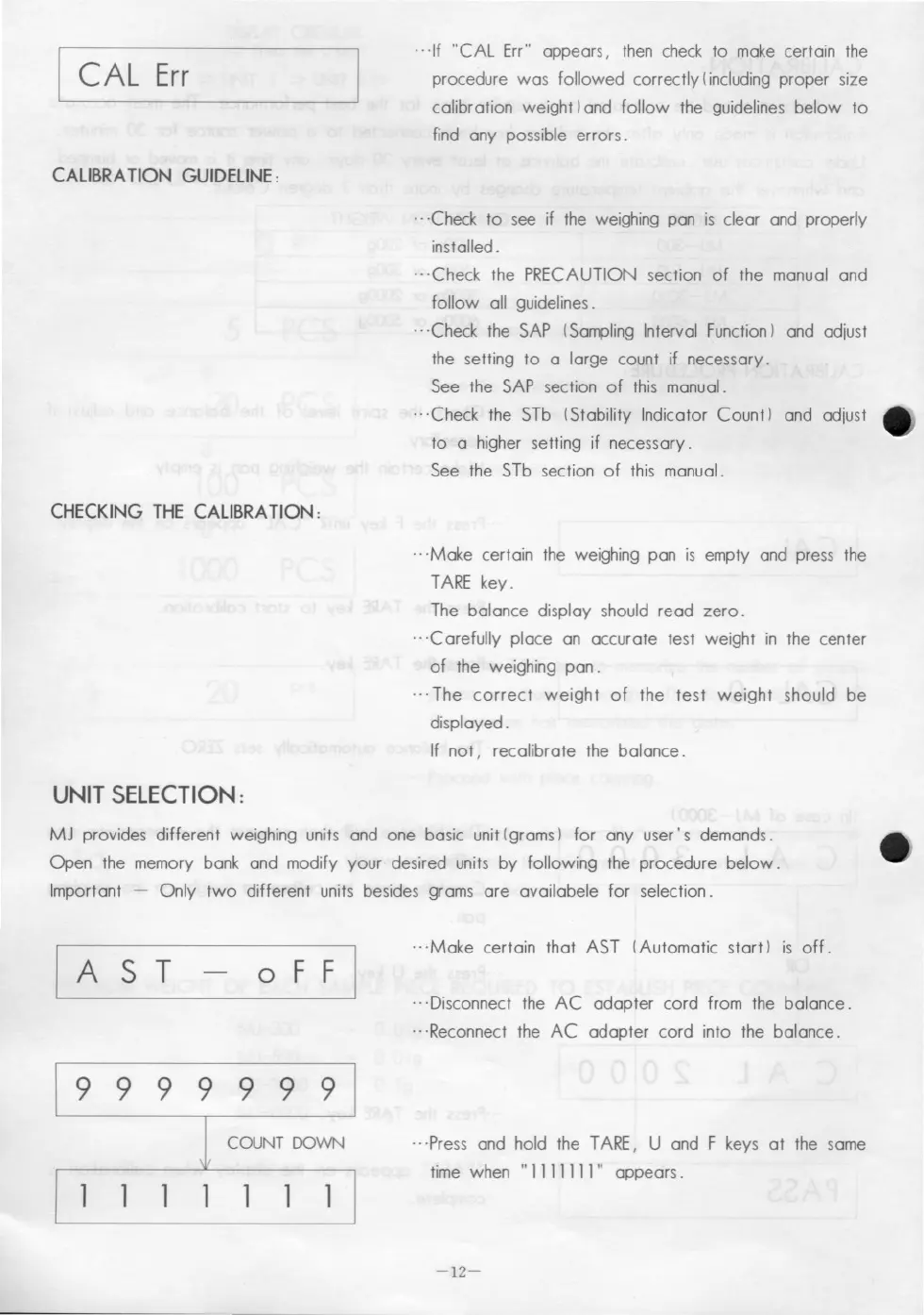
I CAL Err
CALIBRA TION GUIDELlNE:
CHECKING THE CALIBRA TION :
UNIT SELECTION:
---If "CAL Err" appears, then check to make certain the
procedure was followed correctly Iincluding proper size
calibration weight) and follow the guidelines below to
find any possible errors_
---Check to see if the weighing pan is c1ear and properly
installed _
_.-Check the PRECAUTION section of the manual and
follow all guidelines_
-. -Check the SAP (Sampling Interval Function) and adjust
the setting to a large count if necessary_
See the SAP section of this manual.
_.-Check the STb (Stability Indicator Count) and adjust
to a higher setting if necessary_
See the STb section of this manual_
_.-Make certain the weighing pan is empty and press the
TARE key_
The balance display should read zero_
-_·C arefully place an accurate test weight in the center
of the weighing pan_
---The correct weight of the test weight should be
displayed.
If not, recalibrate the balance_
MJ provides different weighing units and one basic unit (grams) for any user' s demands.
Open the memory bank and modify your desired units by following the procedure below_
Important - Only two different units besides grams are availabele for selection.
oFF I
---Make certain that AST (Automatic start) is off.
---Disconnect the AC adapter cord from the balance_
.. -Reconnect the AC adapter cord into the balance.
9999999
COUNT DOWN
--·Press and hold the TARE, U and F keys at the same
time when
"1 111111" appears_
-12-


 To Next Page
 Loading...