OPERATING METHOD
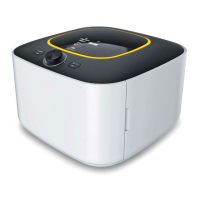
The IR D5 functions in two
primary methods of control :
Auto or Manual mode.
- Manual mode allows you to
control time and temperature
(example : 13 hrs. at 110
℉
).
- Auto mode helps take some
of the guess work out of
dehydrating by utilizing
moisture detection sensors to
regulate time and temperature
to efficiently dehydrate your
food and stop when the optimal
level of dehydration has been
reached.
Operation
- Turn on the appliance by pushing
the on/off switch, located in the
back of the unit, into the ‘ON’
position.
- The green lamp will be
illuminated, temperature & time
display will blink, and the center
lamp of the control knob and the
dry mode icon will be illuminated
as well.
- When the door is opened while
operation, ‘OPEN’ will appear
on the LED display and stop
operating.
User can set the time and
temperature desired through the
following steps.
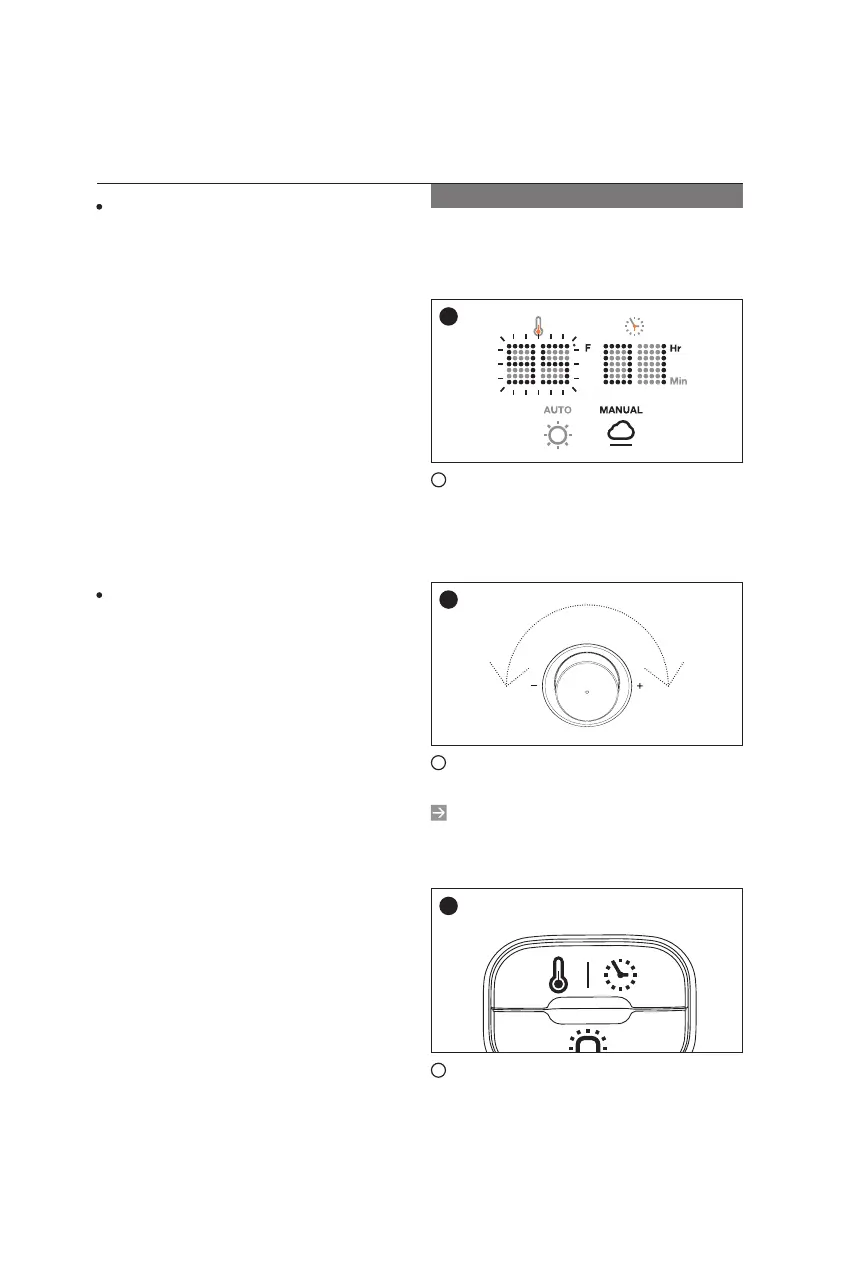
1
Turn on the appliance using the
switch in the rear. Temperature
display will blink and be ready to
set the temperature.
2
Temperature & time is adjusted
by turning the control knob.
The minimum and maximum
temperature range is 35
Ë
to 70
Ë
(86~158
ĕ
).
3
Temperature & time switch is
used to select the mode from one
another. (Temperature & time is
changed every time the switch is
pressed)
1
2
3
Manual Mode
16
14


 To Next Page
 Loading...