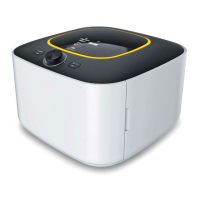
‘Solar mode’ dehydrates your food
as if it was dried from sun light.
1
Press ‘MODE’ and the lamp will
show a yellow light and the sun
image will illuminate.
2
While the dehydrator is operating,
the mode can be changed by simply
pressing the MODE button.
Tips for IR D5
It has a front door with stainless
steel drawer trays. Therefore, all the
trays could be taken out and use all
the space for such as fermenting
dough and etc. Also by taking out
some trays, you will be able to
dehydrate ingredients with various
heights or sizes.
Solar Mode
1
2
3
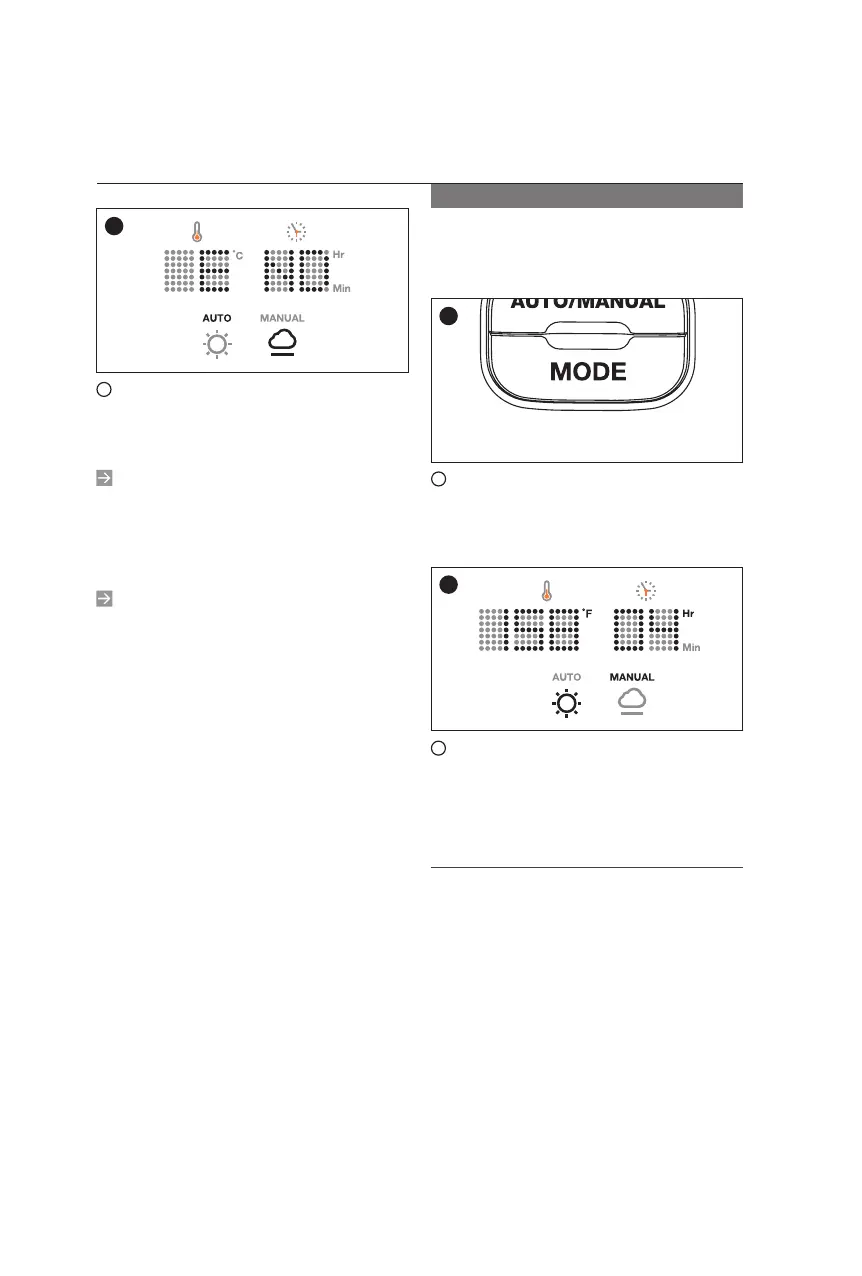
After it reaches the certain
humidity, ‘END’ sign will appear and
blink along with a buzzer.
If you are not satisfied with the
dehydrated state, press AUTO/
MANUAL switch to change it to
manual mode and operate with manual
drying.
The humidity sensor recognize
the relative humidity and will stop
operating until the internal humidity
reaches under 3%.
3
18
16


 To Next Page
 Loading...