5
2021 Cicada Audio All rights reserved.
Introduction
5) Pairing remains intact when the DSP88 and/or the Bluetooth device is powered off or is
taken out of link range (30 feet). To re-establish an active connection when your Bluetooth
device returns within range,simple turn off and turn on the DSP88.
6) The next time the DSP88 is powered on it will automatically try to re-establish a link with the
most recently linked Bluetooth device. If your device does not support auto-linking OR was not
the last linked to the DSP88, you must re-link manually by selecting DSP88 from the Bluetooth
device’s menu on your Bluetooth device.
7) MAKE SURE ALL NOTIFICATIONS AND SOUNDS ARE TURNED OFF on you Phone or
Tablet!!! Otherwise during setup if someone texts or calls you..it will scare you how loud it is!!!
So TURN it ALL off.
REMEMBER: With ANY DSP I HIGHLY recommend that you willget an RTA to REALLY setup
your system. Especially the EQUALIZER part of your setup. There are many available and
relativily cheaply.
Our favorite is Audio Tools software (see below) AVAILABLE ONLY ON APPLE! Make sure to
buy the APP (Typically $5.00) as you MUST slow down the RTA for “time Averaging”. I recom-
mend 3s to 6s Decay. You dont absolutely need an RTA, BUT It makes life much easier and
setup much faster. Your call.
(Not my motorcycle..... so I don’t a have “dog in this hunt”! Hey I call ‘em the way I see ’em!!)
BASIC SETUP - START PAGE AND HOME
BEFORE YOU START
First thing to do BEFORE anything is to decide on what system you are building? Good news
is you are using a 8 channel DSP that can handle RCA (pre amp level) or Speaker Level input.
So you can do ALOT!. You have to plan you work and work your plan!!! Trust me it makes it
way easier if you have and “end goal” in mind. As mentioned it is a 8 channel DSP with 8
channels you can deal with - at least digitally.
SO LETS DECIDE ON WHAT EXACTLY YOU ARE BUILDING - HERE ARE SOME SYSTEM IDEAS TO
LOOK AT. THIS IS SOME SYSTEM IDEAS YOU CAN DO WITH THE DSP88 AND MULTIPLE
AMPLIFER CHANNELS. LOTS OF WHYS TO ROLL!!!
NOTE: BlueTooth functionallity is limited to the SetUp DSP application - CA DSP
NOT for playing audio!! You’ll need some kind of source unit (like the stock HD HeadUnit)!
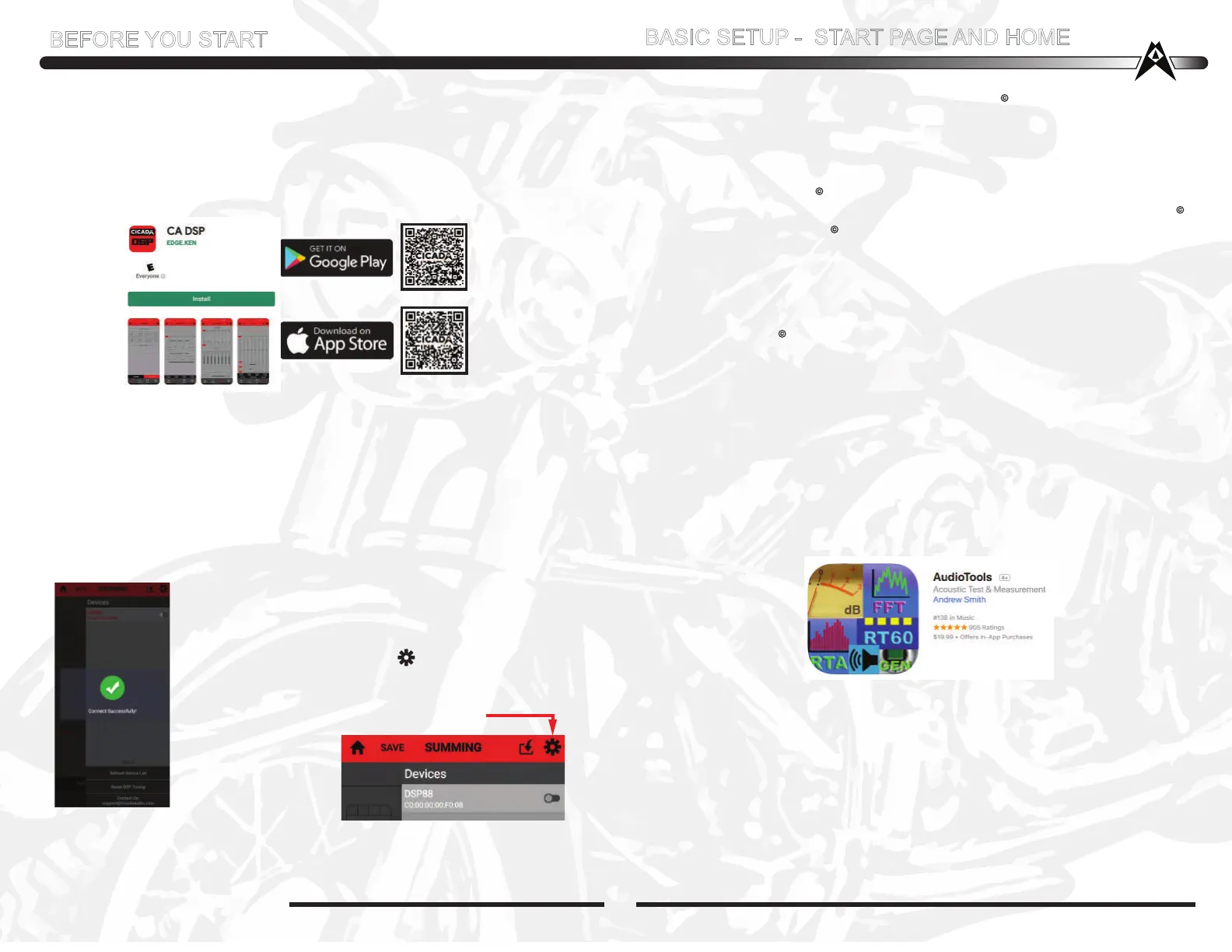
Make sure to download the App
for your phone or tablet
Your Bluetooth device (Phone, Tablet, etc.) must support the A2DP Bluetooth profile (commonly
known as stereo audio profile) to work with the CA-AMP app. Many of the latest mobile Phones
and Tablets with built-in Bluetooth functionality will support this profile. For accurate information
about your product, please refer to your Bluetooth device’s user manual for details on the
Bluetooth profiles it supports and on how to set the device’s Bluetooth pairing/searching/setup
mode
ABOUT PAIRING VS LINKING
Pairing is the term used when wirelessly connecting two Bluetooth devices for the first time.
This allows the devices to “see” each other and creates a unique lasting connection between
the specific devices to pass audio. You do NOT need to PAIR you DSP88 as it will NOT BT
music on its on. BT is only for setup!!!! You will LINK up to the CA DSP app, ....NOT PAIR
1. Open the CA DSP app you downloaded to your phone. IF you have set up your phone to
“see” all bluetooth around you.... it will see the CA DSP (as long as it is powered up!!)
2. Once you opened the CA DSP software it will look for your phone.
It should “Pop up” Connect Sucessfully AS shown to the left.
3. IF the CA DSP software is open and does NOT show the Connect
Successfully Green DOT, then tap the at the top right and the
Devices widow opens up. The DSP88 C0:00:00:FO:C? should show
up. Slide the right button over to the right to lock it on
4. You’re IN! Now everytime you open the CA DSP app it will say “Connect Successfully”
with the GREEN dot with the check in the middle of it.
MAKE SURE YOU ARE CONNECTED BEFORE DOING ANY SETUP CHANGES!!!!
NOTE: CURRENTLY MY APPS DO NOT WORK WITH ANDROID OS12!
DO NOT UPDGRADE!!!


 To Next Page
 Loading...