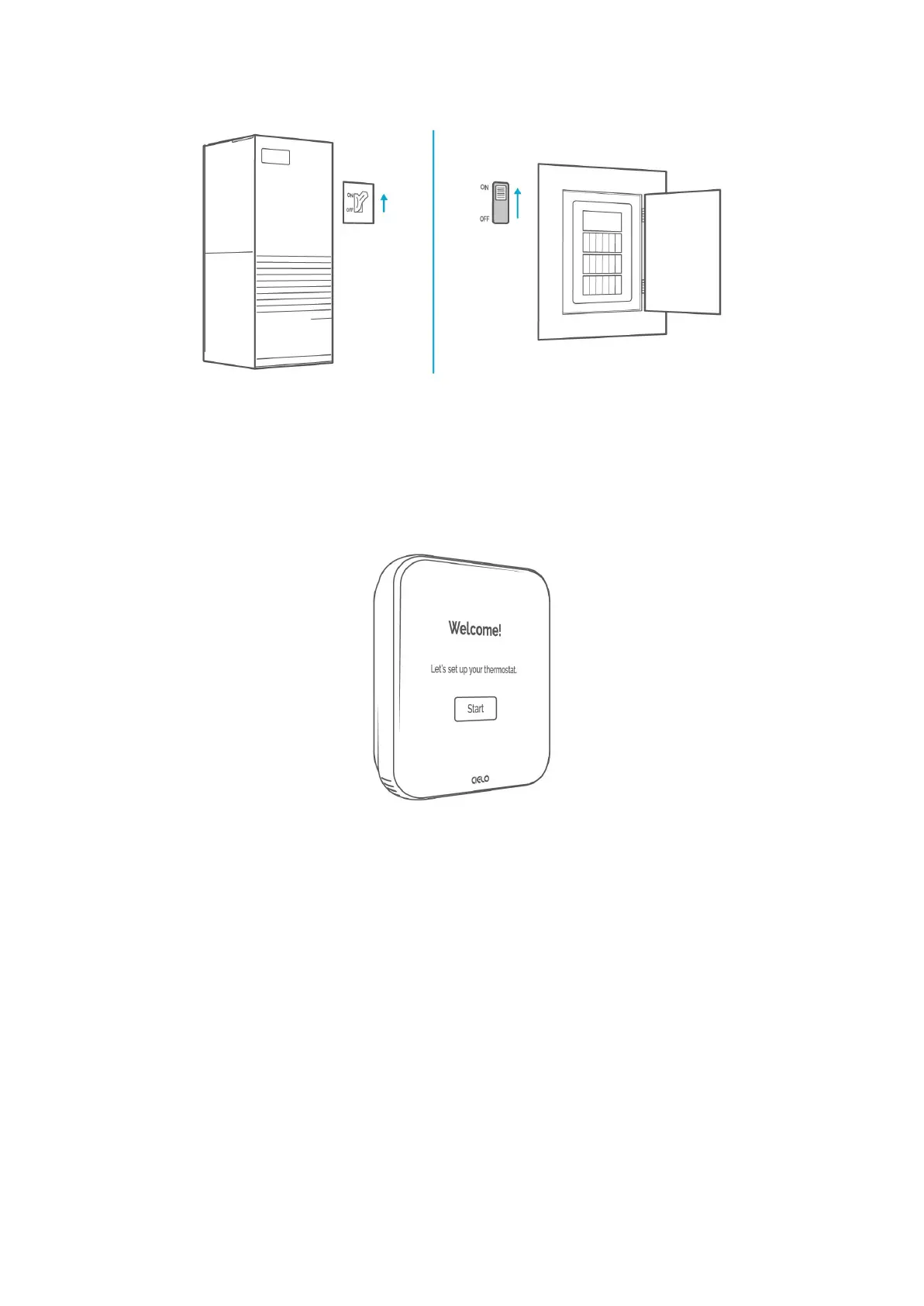
Step 22: Welcome screen is displayed on Cielo Smart Thermostat! Follow the on-screen
instructions to set up your thermostat.
All Done! Enjoy your smart home climate control.
Troubleshooting
If your Cielo Smart Thermostat doesn’t turn on, please try these steps:
1. Close your HVAC panel properly, as some systems may not work if the panel isn’t fully
closed.
2. Check the backplate wire connections and ensure they are inserted properly into the
terminals.
3. In the case of one R-Wire, make sure it is inserted into the RC terminal.



 To Next Page