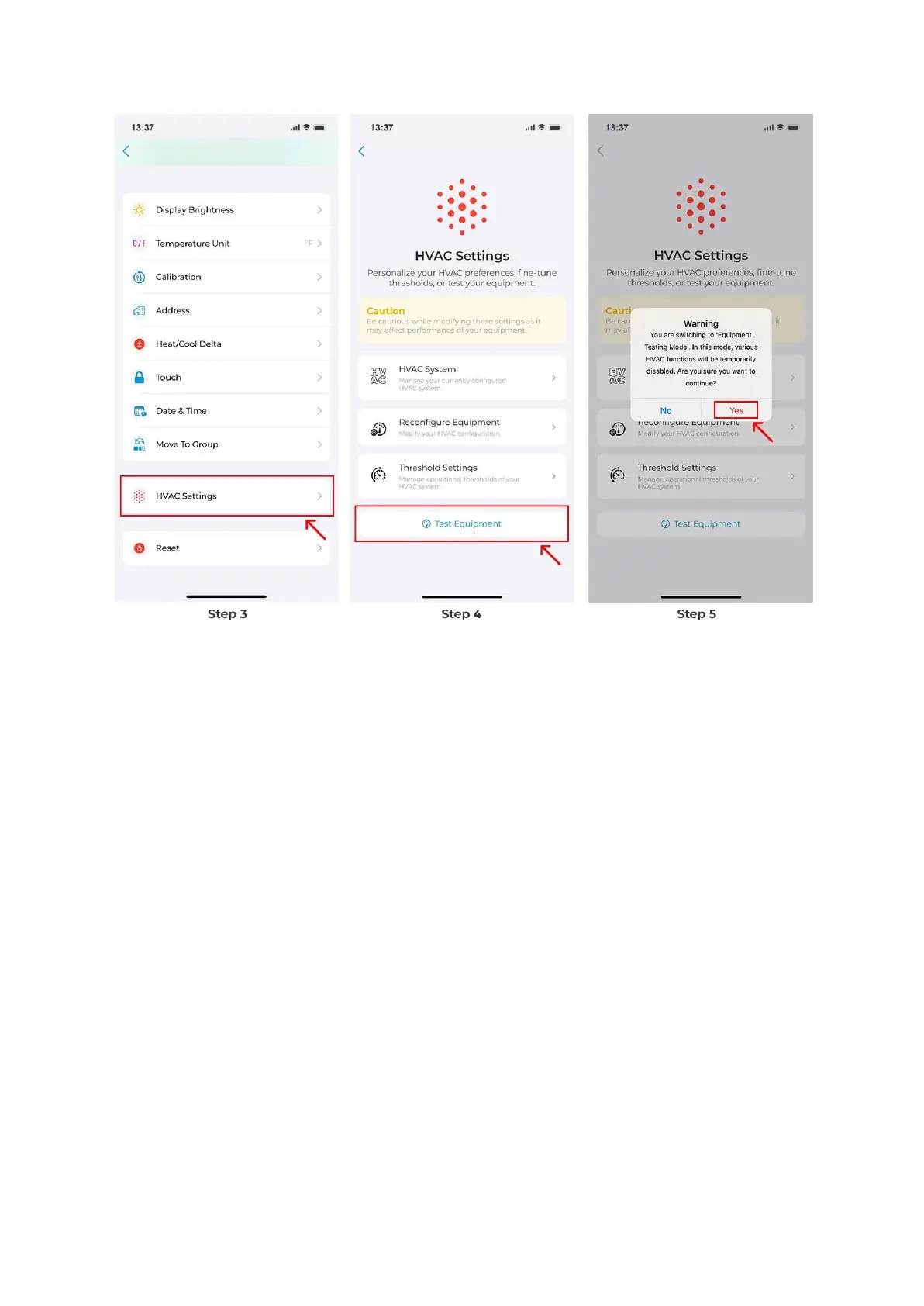
The options shown on the Test Equipment screen will vary based on your configured
equipment. For instance, if you only have a heat pump, the available options will differ from
when you have both a heat pump and auxiliary heat connected.
Next, you will find the system components available for testing (depending on your
configured equipment). You can select a particular function to test, such as the fan, heating,
cooling, or auxiliary stages 1 and 2. Simply click on ‘Test’ to initiate the testing process.



 To Next Page