5. Deleting a Group
Note: To delete a group, you have to remove all the devices added to it individually. You may
not be allowed to delete a group otherwise. To delete a device from a group, refer to Section
3.
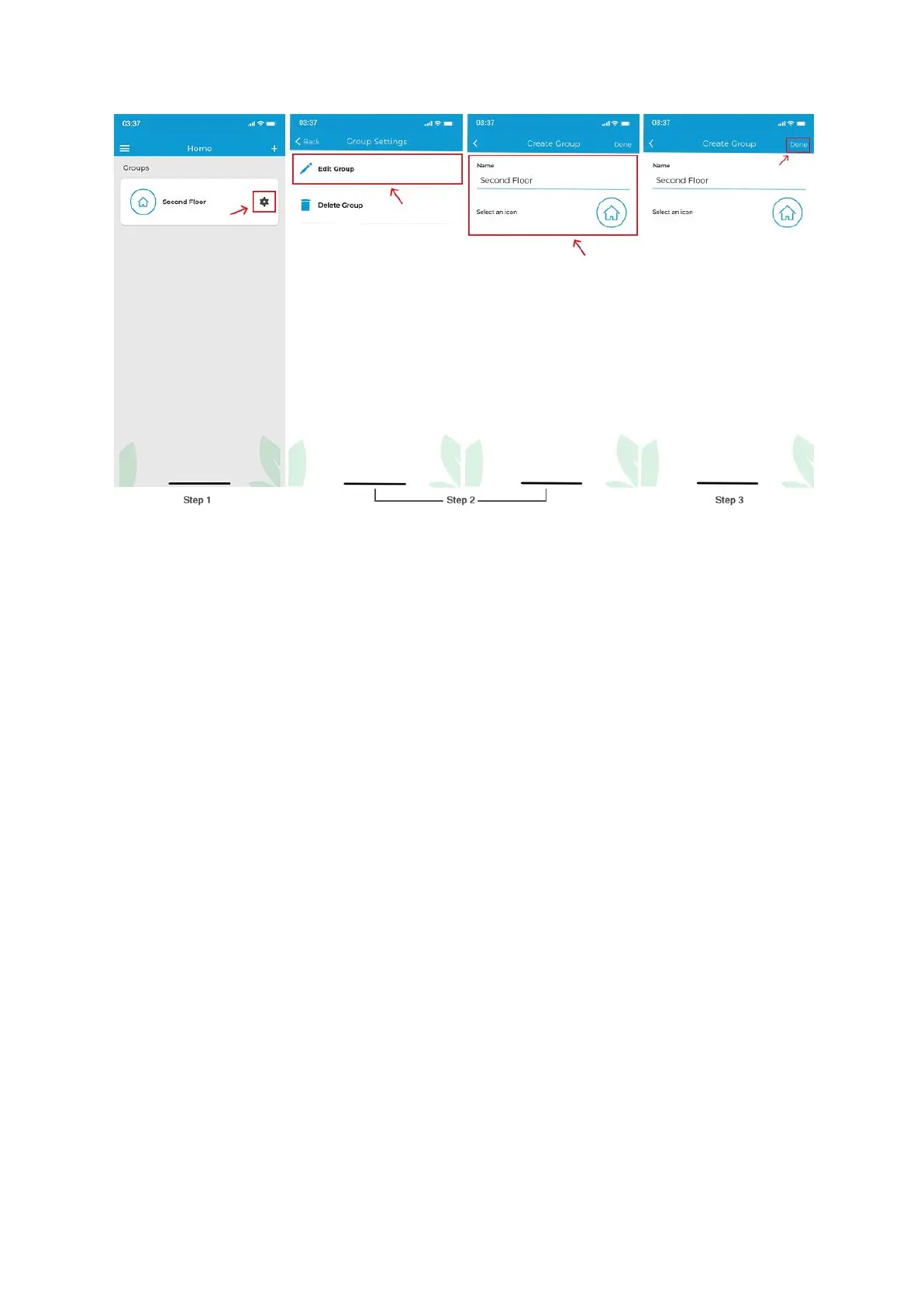
Step 1: Tap on the ‘Settings’ icon of the group you wish to edit.
Step 2: In group settings, tap on ‘Delete Group’.



 To Next Page