Setting up Vacation Mode Using Cielo Home App
Step 1: On the Control screen, Tap on 'e-saver' in the navigation bar.
Step 2: Tap on ‘Vacation Mode'.
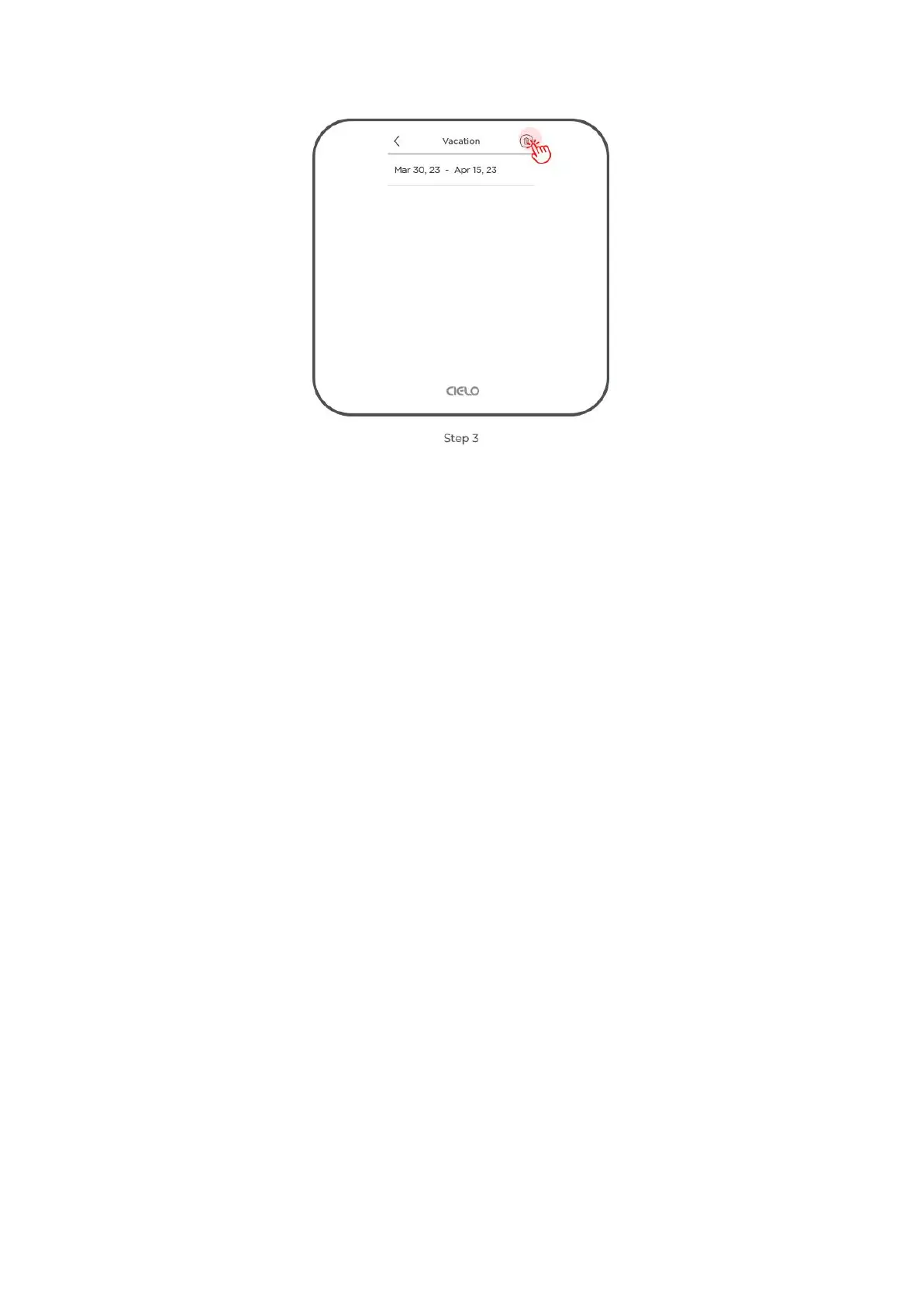
Step 3: Set start and end date/time, and set your preferred temperature settings,
Step 4: Tap on 'Done'.
Your vacation settings are now saved.



 To Next Page