- 17 -
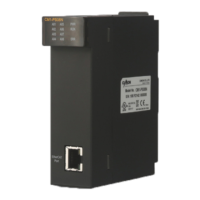
1. Connect EtherCAT cable between RJ-45 (OUT) of PS08N and the RJ-45 (IN) of
Servo driver.
2. Connect CICON to PS08N module.
3. Before use servo driver, check power, wiring and servo driver parameter.
4. Download parameter of PS08N Master setting to the PS08N module.
5. You can monitor the status of the axis after parameter download. If axis error occurs,
you can find out how to reset error when you double click the error code.
6. Make a program by CICON.
Installation and Parameter setting


 To Next Page