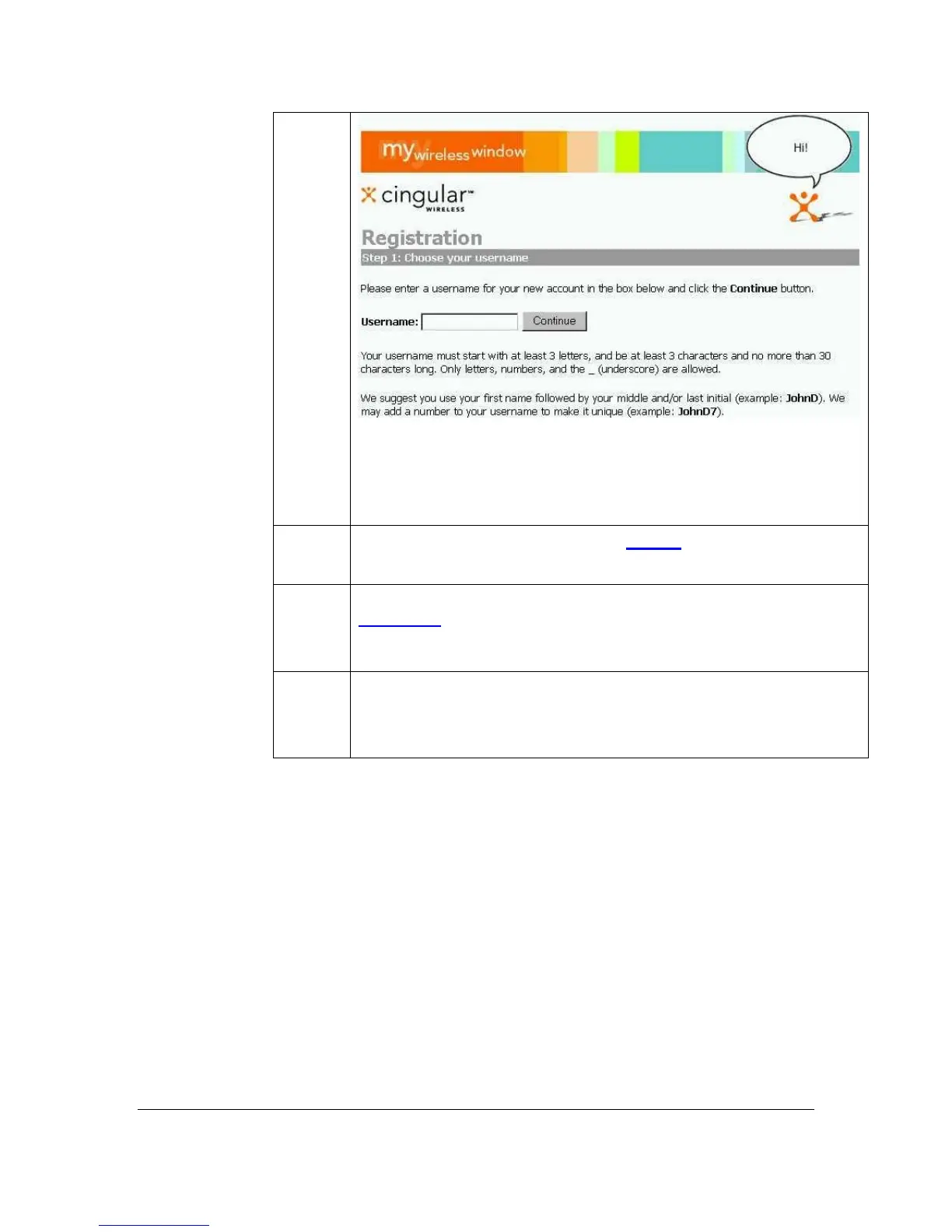
Note: Username must start w/3 alpha-characters and be no more
than 30 characters; only letters, numbers, and _ (underscore) can
be used.)
4
If Username is available, then click Accept and go to STEP 6.
5
If Username is already in use, then enter another Username, click
Try Again
, and repeat STEP 4 until the preferred Username is
available.
6
Create your user profile. Enter your personal information in the
open fields. Required information must be entered to continue
with the registration process.
Getting Started Guide 6
For Motorola V60t



 To Next Page