p
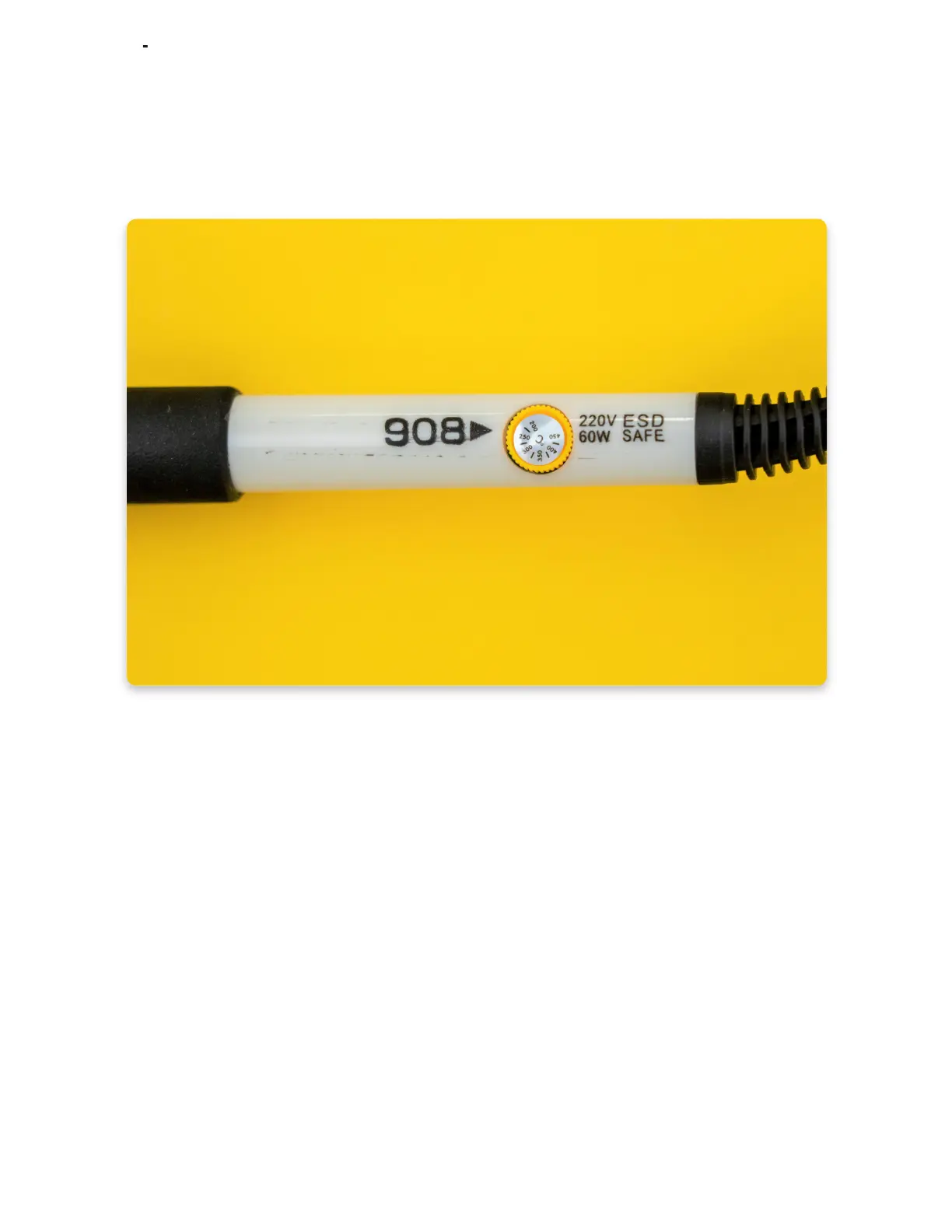
Set the temperature to350° by turning the regulator. There is a small black arrow
next to the regulator wheel, so make sure that it points to the right temperature, like
in the photo.
Your soldering iron is now ready to use, but give it a minute or two, so it can heat
up. The safest way to let it heat up is to leave it on the stand while you wait!
Step 3
Once you're done with soldering (don't worry, we'll let you know when that time
comes), you'll unplug the iron from the power outlet to turn it off.
Please use the soldering iron stand every time you are not using the soldering iron
to make sure you don't burn the surface or the circuit board!
Make sure to not touch the soldering iron tip for at least five minutes after you
have turned it off.



 To Next Page