6
Cisco 1721, 1760, 2621XM, 2651XM, 2691, 3725, and 3745 Modular Access Routers and 7206-VXR NPE-400 Router FIPS 140-2 Non-Proprietary
OL-6083-01
The Cisco 1721, 1760, 2621XM, 2651XM, 2691, 3725, 3745, and 7206 VXR NPE-400 Routers
for remote system access or dial backup using a modem. The 10/100Base-T LAN port has Link/Activity,
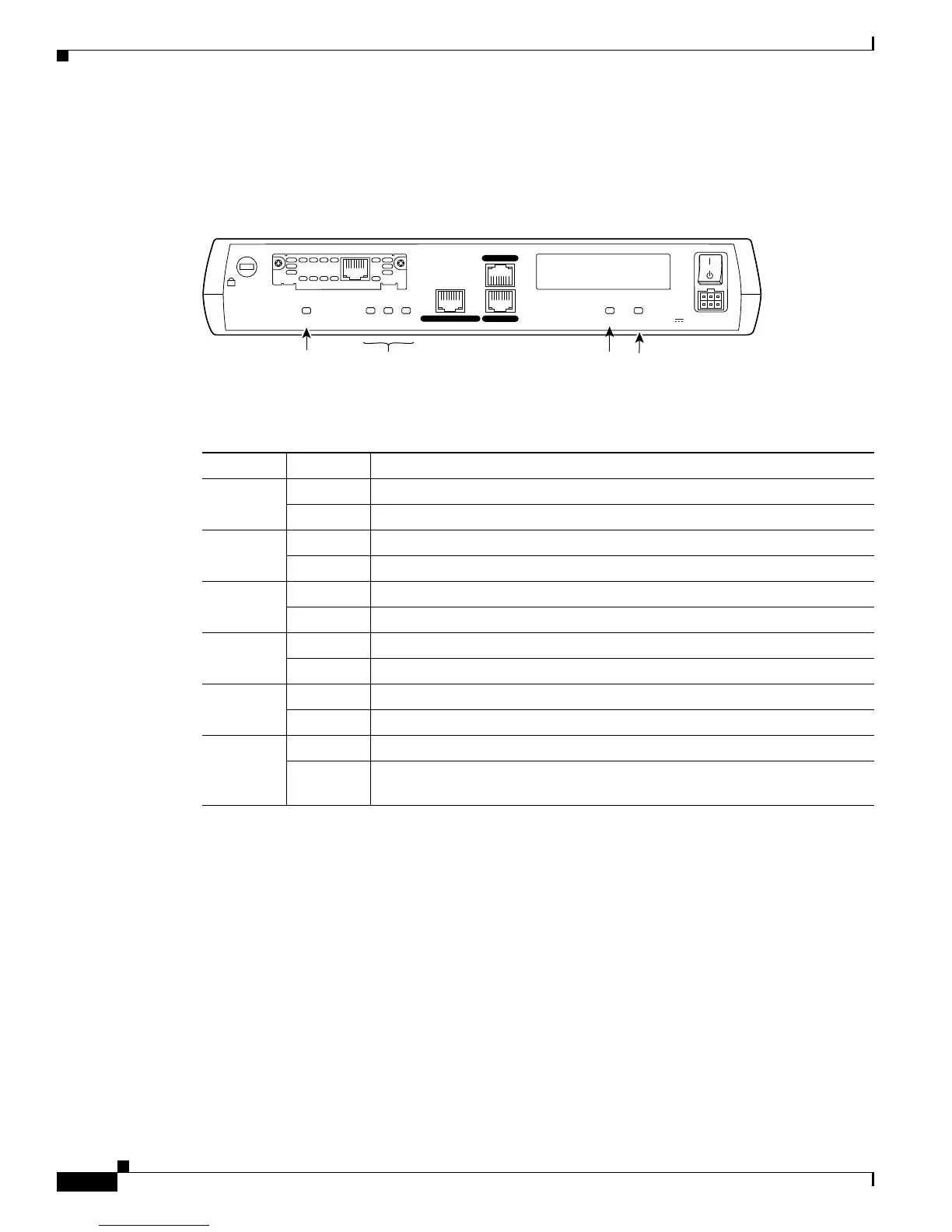
10/100Mbps, and half/full duplex LEDs. Figure 4 shows the LEDs located on the rear panel of the
Cisco 1721 with descriptions detailed in Table 1:
Figure 4 Cisco 1721 Rear Panel LEDs
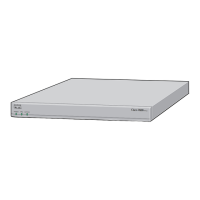
Figure 5 shows the front panel LEDs of the 1721 and 1760, which provide overall status of the router's
operation. The front panel of the 1721 displays whether or not the router is booted, overall activity/link
status, and collision information. The front panel of the 1760 displays whether or not the router is
booted, overall activity/link status, collision information, and specific information for each installed
interface.
Table 1 Cisco 1721 Rear Panel LEDs and Descriptions
LED Indication Description
WIC 0 OK Green A WIC is correctly inserted in the card slot
Off No WIC present / WIC incorrectly inserted in the card slot
WIC 1 OK Green A WIC is correctly inserted in the card slot
Off No WIC present / WIC incorrectly inserted in the card slot
FDX Green The interface is transmitting data in full-duplex mode
Off When off, the interface is transmitting data in half-duplex mode
100 Mbps Green The speed of the interface is 100 Mbps
Off The speed of the interface is 10 Mbps or no link is established
LINK Green An Ethernet link has been established
Off No Ethernet link established
MOD OK Green VPN hardware encryption module is installed and recognized by Cisco IOS
Off VPN hardware encryption module not installed / not recognized by
Cisco IOS
+5, +12, -12 VDC
CONSOLE
10/100 ETHERNET
AUX
FDX LINK100WIC 0 OK WIC 1 OKMOD OK
Model
Cisco 1721
99392
FDX/100/
LINK LEDs
WIC 0
OK LED
MOD OK
LED
WIC 1 OK
LED
SEE MANUAL BEFORE INSTALLATION
DSU
56K
CD
AL
LP
RD
TD



 To Next Page