8
Cisco 1721, 1760, 2621XM, 2651XM, 2691, 3725, and 3745 Modular Access Routers and 7206-VXR NPE-400 Router FIPS 140-2 Non-Proprietary
OL-6083-01
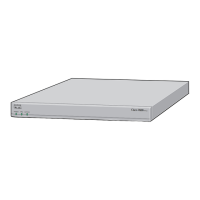
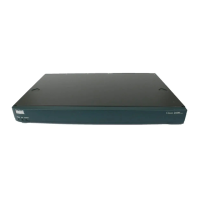
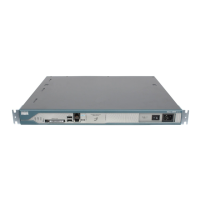
The Cisco 1721, 1760, 2621XM, 2651XM, 2691, 3725, 3745, and 7206 VXR NPE-400 Routers
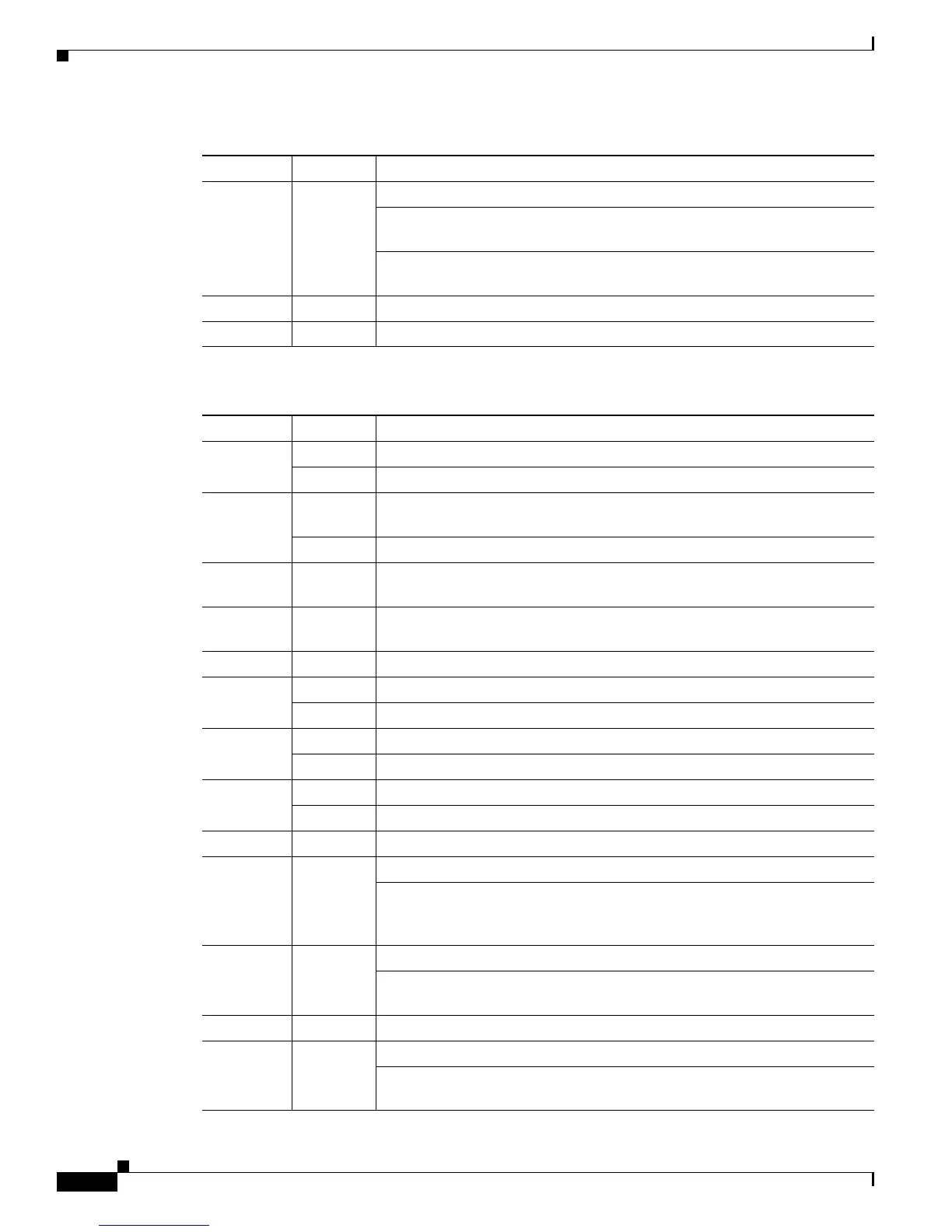
WIC 1
ACT/CH1
Green Serial and CSU/DSU cards—Remains off
ISDN cards—On solid when the second ISDN B channel is up for the card
in the WIC1 slot
2-port serial cards—Blinks when data is being sent to or received from the
second port on the 2-port card in the WIC1 slot
ETH ACT Green Blinks when there is network activity on the Ethernet port
ETH COL Yellow Blinks when there are packet collisions on the local Ethernet network
Table 3 Cisco 1760 Front Panel LEDs and Descriptions
LED Indication Description
PWR Green Power is supplied to the router
Off The router is not powered on
OK Green The router has successfully booted up and the software is functional. This
LED blinks during the power-on self-test (POST)
Off The router has not successfully booted up
PVDM 0
OK
Green On when a packet voice data module (PVDM) is correctly inserted in
PVDM card slot 0
PVDM 1
OK
Green n when a packet voice data module (PVDM) is correctly inserted in PVDM
card slot 1
MOD OK Green On when a VPN module is present
FDX Green The interface is transmitting data in full-duplex mode
Off When off, the interface is transmitting data in half-duplex mode
100 Mbps Green The speed of the interface is 100 Mbps
Off The speed of the interface is 10 Mbps or no link is established
LINK Green An Ethernet link has been established
Off No Ethernet link established
SLOT 0 OK Green On when either a WIC or a VIC is correctly inserted in the card slot
0 Green ISDN—On when the first ISDN B channel is connected
Serial, CSU/DSU, and VIC—Blinks when data is being sent to or received
from port 0 in slot 0. For the VIC-2BRI-ST-NT/TE, blinks when data is
being sent to or received from any of the B channels
1 Green ISDN—On when the second ISDN B channel is connected
Serial and VIC—Blinks when data is being sent to or received from port 1
in slot 0
SLOT 1 OK Green On when either a WIC or a VIC is correctly inserted in the card slot
0 Green ISDN—On when the first ISDN B channel is connected
Serial, CSU/DSU, and VIC—Blinks when data is being sent to or received
from port 0 in slot 1
Table 2 Cisco 1721 Front Panel LEDs and Descriptions (Continued)
LED Indication Description



 To Next Page