SLIDE RAIL INSTALLATION INSTRUCTIONS
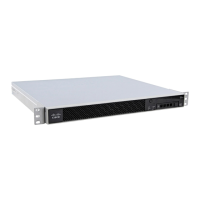
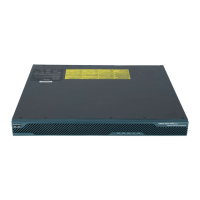
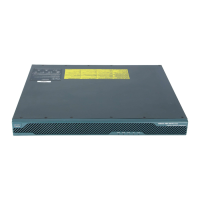
For Cisco C170, M170, and S170
Appliances
and
Cisco 5512-X, 5515-X, 5525-X, 5545-X,
5555-X Adaptive Security Appliances
and
Cisco IPS 4345 and 4360
1 Verify the Box Contents
2 Disassemble the Slide Rail
3 Attach Inner Rails to the Chassis
4 Verify the Rack Type
5 Round Hole Racks
6 Threaded Hole Racks
7 Attach the Outer Slide Rail to Round and Square
Hole Racks
8 Attach the Outer Slide Rail to Threaded Hole Racks
9 Install the Chassis
10 Secure the Chassis
Obtaining Documentation and Submitting a
Service Request

 Need help?
 General







 To Next Page