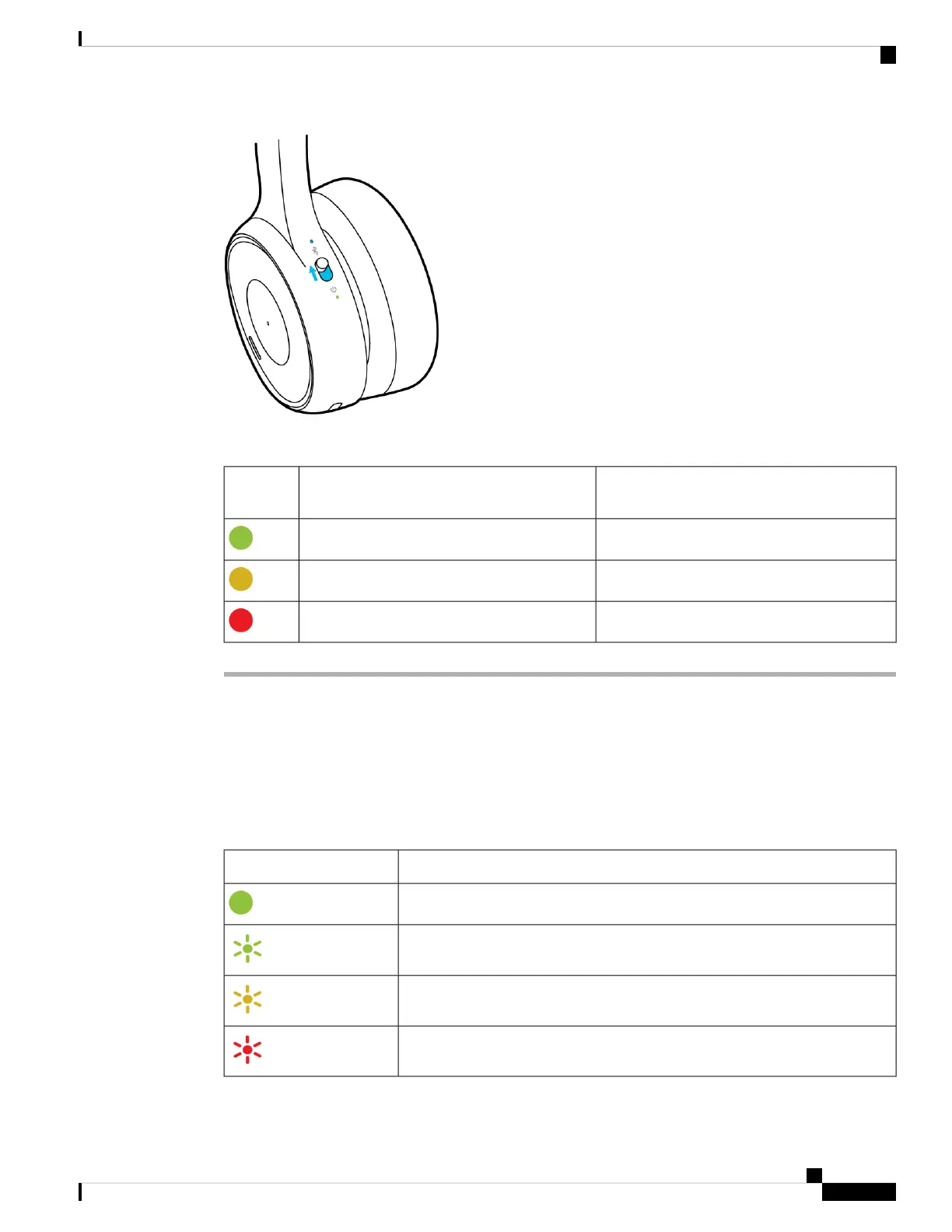
Table 3: LED Status
Voice PromptBattery ChargePower
LED
"Battery charge: High."15 hours or more of talk time remaining.
"You have [X] hours of talk time remaining."Between 15 and 5 hours of talk time remaining.
"You have [X] hours of talk time remaining."Less than 5 hours of talk time remaining.
Charge Your Cisco Headset 730 with the USB-C Cable
Use the included USB-C cable to charge your headset. It takes about 2.5 hours to fully charge the headset.
As your headset charges, the power LED blinks to show the battery status. When your headset is fully charged,
the power LED changes from blinking green to solid green.
Table 4: Headset Charge Status
Charge StatusPower LED
Full Charge
High
Medium
Low
Your Headset
11
Your Headset
Charge Your Cisco Headset 730 with the USB-C Cable



 To Next Page