22
© 2006 Cisco Systems, Inc. All rights reserved.
Cisco Public
25482.CL
ETMG_01_06
Smartports Feature
Maximizing Network Value
Switch(config)# <template type>
default interface range FastEthernet[1]/0/[1 - 48]
interface range FastEthernet[1]/0/[1 - 48]
switchport access vlan [data]
switchport mode access
switchport voice vlan [voice]
switchport port-security
switchport port-security maximum 3
switchport port-security violation restrict
switchport port-security aging time 2
switchport port-security aging type inactivity
auto qos voip cisco-phone
spanning-tree portfast
spanning-tree bpduguard enable
failureserrdisable recovery cause link-flap
errdisable recovery cause udld
errdisable recovery interval 60
vtp domain [smartports]
vtp mode transparent
udld aggressive
spanning-tree mode rapid-pvst
spanning-tree loopguard default
spanning-tree extend system-id
Global
Commands
Interface
Commands
This….
OR
This.
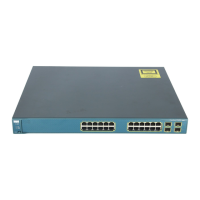
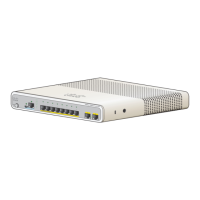
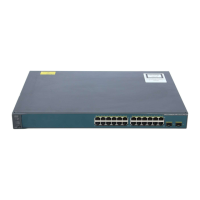
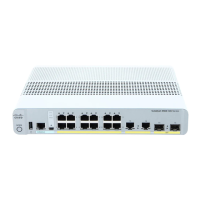
Smartports allows for
simple and accurate
deployment of high
value network-
optimizing features
• Security
• Availability
• Manageability
• Performance
http://www.cisco.com/go/smartports








 To Next Page


