
 Need help?
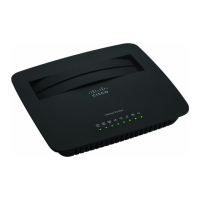
Do you have a question about the Cisco Linksys E1000 and is the answer not in the manual?
 General
| Brand | Cisco |
|---|---|
| Model | Linksys E1000 |
| Category | Wireless Router |
| Language | English |
Explains the Basic Setup screen for general router settings like language and internet connection type.
Details DHCP, Static IP, PPPoE, PPTP, L2TP, and Telstra Cable connection configurations.
Configuration of Host Name, MTU, DHCP server, and IP address reservations for the local network.
Configuring wireless security modes like WPA2/WPA Personal, Enterprise, and WEP.
Configuring firewall settings to filter traffic and block unwanted internet requests.
Assigning priority to network traffic for better performance of real-time applications.
Managing router access and security settings, including passwords and remote access.







 To Next Page