4
Installation
Read the License Agreement, and
select I accept the terms in the
License Agreement.
Click Next to continue the
installation.
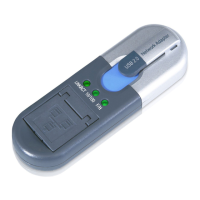
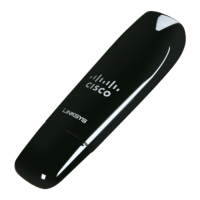
Locate an available USB slot on your
computer.
Insert the Adapter into the slot until
it locks into place.
Click Next.
If your computer runs Windows XP or 2000, proceed to “Section 2: Setup
for Windows XP or 2000”.
If your computer runs Windows Vista, proceed to “Section 3: Setup for
Windows Vista”.
C.
D.
E.
License AgreementLicense Agreement
Insert the AdapterInsert the Adapter


 To Next Page
 Loading...