Installing a Power Supply
• Power Supply Modules Overview, on page 1
• Installation Guidelines, on page 6
• Installing or Replacing an AC Power Supply, on page 7
• Installing a DC Power Supply, on page 8
• Finding the Power Supply Module Serial Number, on page 14
Power Supply Modules Overview
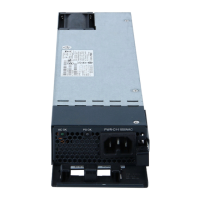
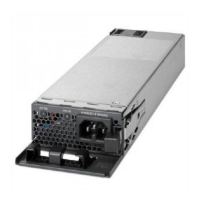
The switch operates with either one or two active power supply modules. A switch that is part of a StackPower
stack operates with power that is supplied by other stack switches. Two power supply modules can be powered
up from two different phases.
You can use two AC modules or one module and blank cover. All power supply modules have internal fans.
All switches ship with a blank cover in the second power supply slot.
Installing a Power Supply
1

 Need help?
 General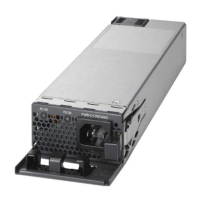

 To Next Page