STEP 1
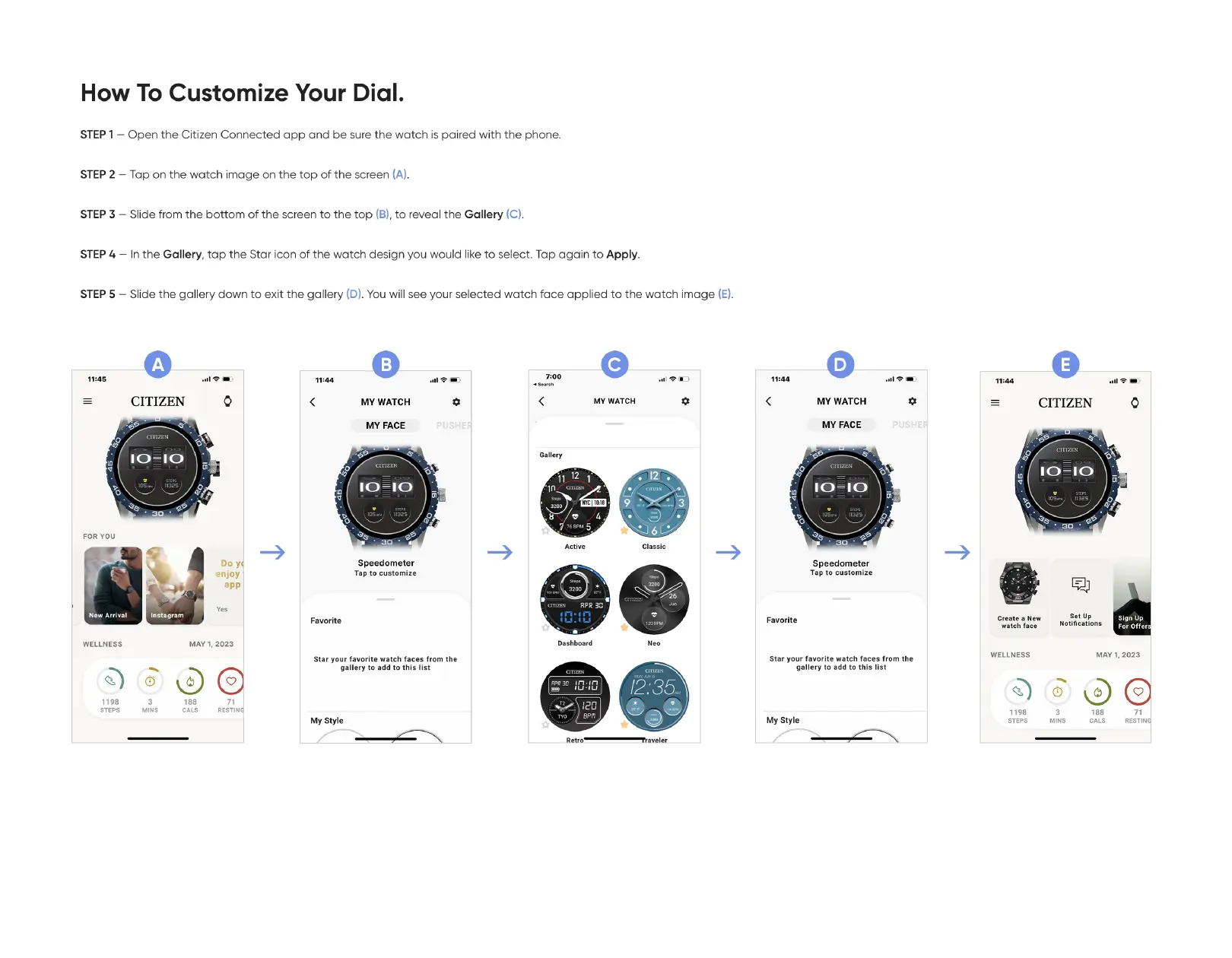
—Open the Citizen Connected app and be sure the watch is paired with the phone.
—Tap on the watch image on the top of the screen (A).
STEP 2
—Slide from the bottom of the screen to the top (B),to reveal the Gallery
STEP 3
STEP 4
— In the Gallery, tap the Star icon of the watch design you would like to select. Tap again to Apply.
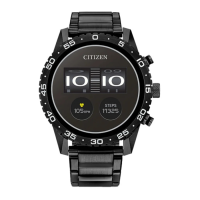
—Slide the gallery down to exit the gallery (D).You will see your selected watch face applied to the watch image (E).
STEP 5
11:45
FOR YOU
N Arrival
WELLNESS
1198
How To Customize Your Dial.
MAY 1, 2023
7:00
11;44
Favorite
11:44
CITIZEN
Instagram
MY WATCH
Speedometer
Tap to customize
MY WATCH
12:35
MY WATCH
MY FACE
Speedometer
Tap to customize
Star your favorite watch faces from the
gallery to add to this list
My style
CITIZEN
Do y
enJoy
app
71
RESTIN
RPR
Create a New
watch face
WELLNESS
1198
Set up
Notification c
For offer
3
MINS
188
CALS
Star your favorite watch faces from the
gallery to add to this list
My style
3
MINS
MAY 1, 2023
188
RESTIN


 To Previous Page