47
English
◆
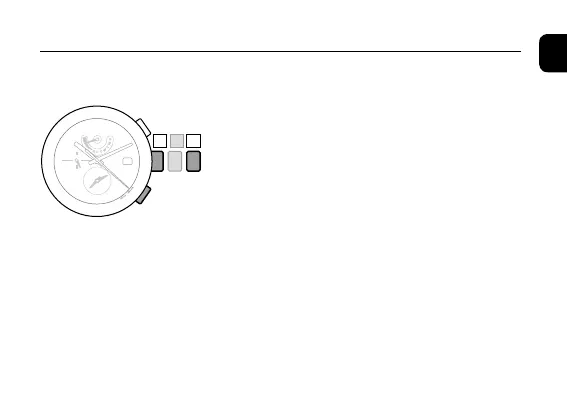
Alarm sound monitor
1. Pull the crown out to position
2
.
The hour and minute hands of the local time move to
indicate the alarm time.
2. Press and hold the lower right button
Ⓐ
for
two or more seconds.
The alarm sound is played back while pressing
Ⓐ
button.
3. Press and release the lower right button
Ⓐ
to
set the alarm ON or OFF.
4. Push the crown in to position
0
to finish the
setting.
Setting the Alarm Time
Ⓐ
0 1 2



 To Next Page