EasyManua.ls Logo

City Theatrical Multiverse 5911 - User Manual

Default Icon
27 pages
Print Icon
To Next Page IconTo Next Page
Loading...
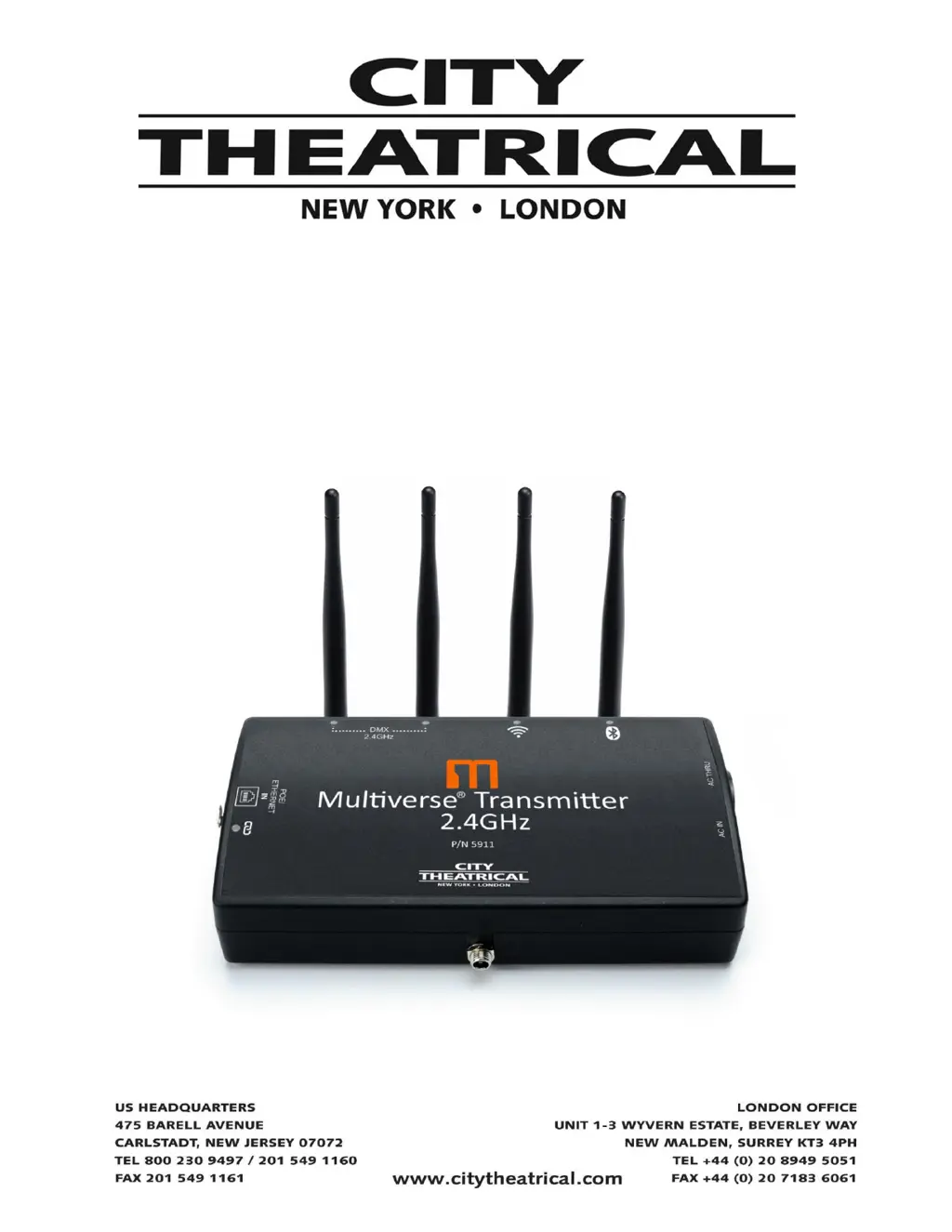
Multiverse
®
Transmitter
P/N 5911
User’s Manual
Rev 1.1
© 2021 City Theatrical, Inc.
Multiverse Transmitters are covered by U.S. Patents #7,432,803 B2, #10,129,964 B1,
and other patents pending.
Made in USA

Questions and Answers

  • M
    Mario NguyenAug 5, 2025
    What to do if City Theatrical Transmitter fixtures are not responding?
    • K
      Kristie DawsonAug 5, 2025
      If fixtures connected to the receiver are not responding, verify that the Tx and Rx symbols on both the City Theatrical Transmitter and receiver are solid. Also, ensure that the SHoW ID and SHoW Key match on both devices. Finally, confirm that the Universe setting is the same on both the Transmitter and receiver.
  • A
    angelaharrellAug 21, 2025
    How to troubleshoot City Theatrical Multiverse 5911 when it does not power up?
    • N
      Nicole MeyerAug 21, 2025
      If the City Theatrical Transmitter does not power up, first ensure that the power cable is properly installed. If the issue persists, test the power outlet with another device to rule out a power source problem.

Summary

Compliance

Safety Notices

Introduction

5911 Multiverse Transmitter Overview of Features

Multiverse Transmitter Theory of Operation

Understanding the Radio Spectrum Around You

Explains the importance of analyzing the radio spectrum for optimal wireless DMX performance.

Choosing a SHoW ID

Details the proprietary SHoW ID system for optimizing broadcast parameters and system configuration.

Multiverse Transmitter Setup Using DMXcat

Discovering and Connecting to Your Transmitter

Guides on pairing the DMXcat app with the Multiverse Transmitter and initiating communication.

Configuring Transmitter Settings via DMXcat

Explains how to adjust SHoW ID, Modulation, Band, and Hop Pattern through the DMXcat app interface.

Attaching Universes to SHOW IDs

Details the process of assigning specific DMX universes to SHoW IDs and labeling them for organization.

Setting up Multiverse Nodes as Receivers

Setting up Multiverse SHoW Babys as Receivers

Monitoring Your Show with DMXcat

Advanced Settings

Setting a SHOW Key for Security

Explains how to implement a SHOW Key to prevent unauthorized access and interference between systems.

Other Advanced Transmitter Settings

Covers adjustments for output power, antenna selection, and other transmitter-specific configurations.

Multiverse Node Advanced Settings

Details advanced configuration options for Multiverse Nodes, including RDM traffic and backlight settings.

Multiverse Transmitter Menu Descriptions

Specifications

Whats Included

Face Panel Overview

Mounting Options

Multiverse Transmitter Quick Start Guide

Troubleshooting

City Theatrical Multiverse 5911 Specifications

General IconGeneral
BrandCity Theatrical
ModelMultiverse 5911
CategoryTransmitter
LanguageEnglish