EasyManua.ls Logo

CKY CK128 - User Manual

CKY CK128
10 pages
Print Icon
To Next Page IconTo Next Page
Loading...
CK128UserManual
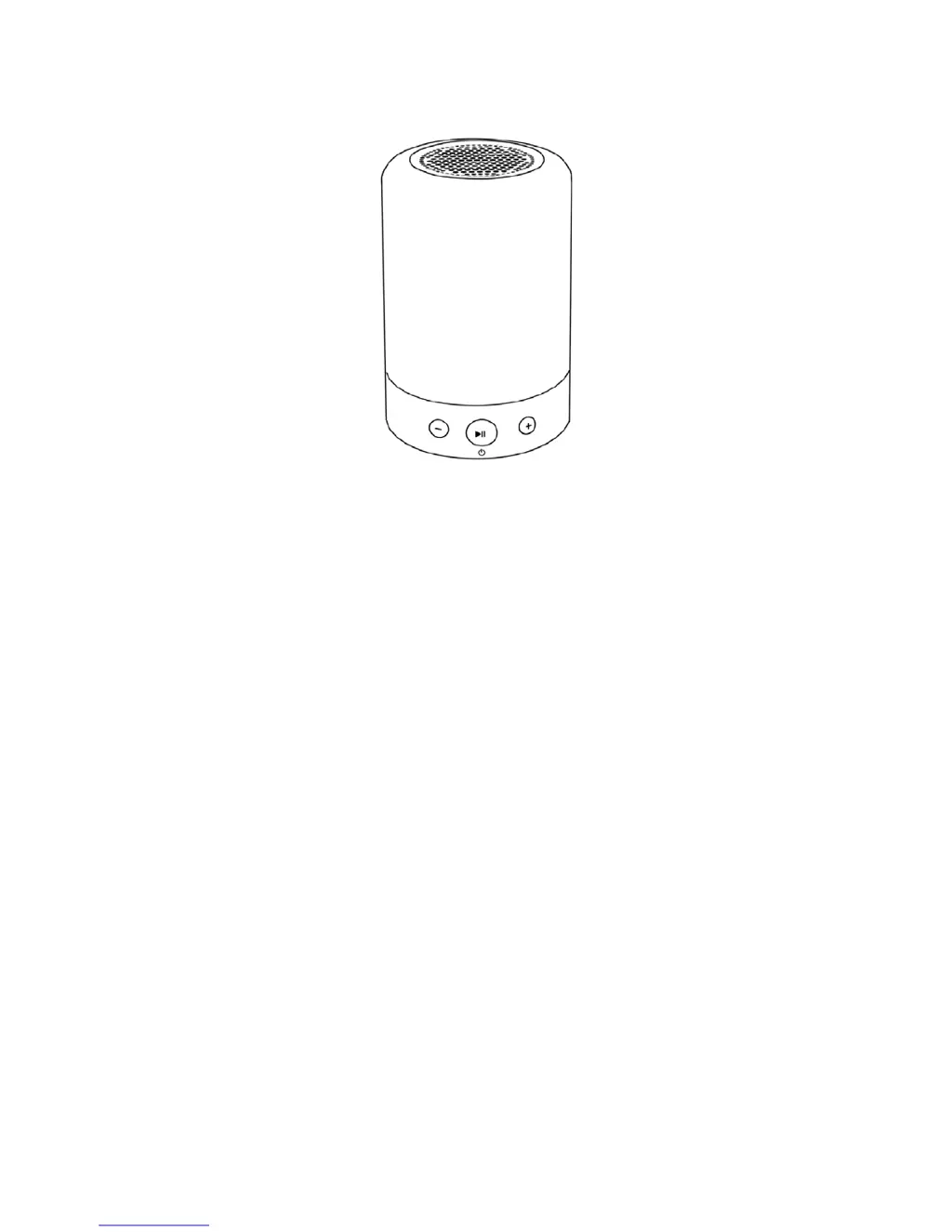
Pictureisforreferenceonly

Questions and Answers

  • V
    Veronica SmithAug 2, 2025
    Why is my CKY Stereo System Bluetooth not connecting?
    • M
      Michael BrockAug 3, 2025
      The CKY Stereo System may be automatically connecting to the last device it was paired with. Ensure it is disconnected from any previously connected devices, then search for and connect the speaker with your new device.
  • C
    Christopher CortezAug 7, 2025
    What to do if my CKY Stereo System has low volume?
    • B
      Brittney AndradeAug 7, 2025
      The CKY Stereo System is designed with low output volume. Ensure that you have increased the volume on both the speaker and your connected device.
  • L
    Lauren HillAug 12, 2025
    What to do if CKY Stereo System failed to connect with two devices?
    • K
      Keith MendezAug 12, 2025
      The CKY Stereo System cannot pair with two devices at the same time. Disconnect the first device and turn off its Bluetooth function. Then, turn on the Bluetooth of the second device to pair with the speaker.
  • T
    triciagonzalesAug 17, 2025
    Why is my CKY Stereo System Bluetooth connection poor?
    • C
      charlotte52Aug 17, 2025
      Make sure there are no obstructions between your Bluetooth device and the CKY Stereo System speaker, and ensure that the device is within 10 meters of the speaker.
  • M
    Mr. Paul Cook DDSAug 22, 2025
    What to do if CKY Stereo System indicator light is off?
    • L
      Linda PenaAug 22, 2025
      The indicator light is off on your CKY Stereo System because the battery is low. Please charge the device.
  • D
    Dustin WarrenAug 27, 2025
    What to do if CKY Stereo System TF/SD card has no audio output?
    • D
      Diane EllisAug 27, 2025
      Check the volume and the play/pause button on your CKY Stereo System. Ensure the TF/SD card is fully inserted into the card slot. Try playing a different music file, as the current file may be incompatible or damaged.

Summary

Product Introduction and Safety

Product Introduction

Introduces the CK128 as an advanced portable wireless music lamp for various activities.

Attentions

Lists conditions to keep the speaker away from for optimal performance maintenance.

Warnings

Provides crucial safety warnings about water, dampness, and charging voltage to prevent hazards.

Power Supply

Details the built-in 3.7V lithium battery, charging time, and monthly charging recommendation.

Device Operation and Modes

Charging Alert

Explains speaker beeps indicating low battery or automatic power-off events.

Diagram

Visual representation of the device, showing its components and layout.

Bluetooth Mode

Explains how to enter and connect the device via Bluetooth.

Hands-free Mode

Details how to answer or end calls when connected via Bluetooth.

Feature Usage

TF Card Mode

Describes how the speaker automatically plays music from TF/SD cards.

TF Card Music Download

Instructions for downloading music to a TF/SD card via a PC.

FM Mode

How to switch to and use the FM radio functionality.

Lamp Instruction

How to operate the light features, including color shifting and turning off.

Timer Instruction

How to set and cancel the automatic turn-off timer for lamp and speaker.

Technical Information and Support

Technical Parameters

Lists specifications like battery capacity, dimensions, and frequency response.

Troubleshooting

Addresses common issues like connection problems and low volume.

Tips

Provides advice on handling, charging, and volume to avoid damage.

Notes

Contact information for customer support and after-sale services.

Company Information

CKY CK128 Specifications

General IconGeneral
BrandCKY
ModelCK128
CategoryStereo System
LanguageEnglish