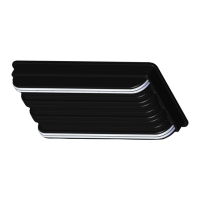
RUNNER, .50 X 1.50 X 58 LG
INSTRUCTION, RUNNER KIT, X200/X400
KIT, HARDWARE RUNNER (includes the following)
Runner Kit
Installation
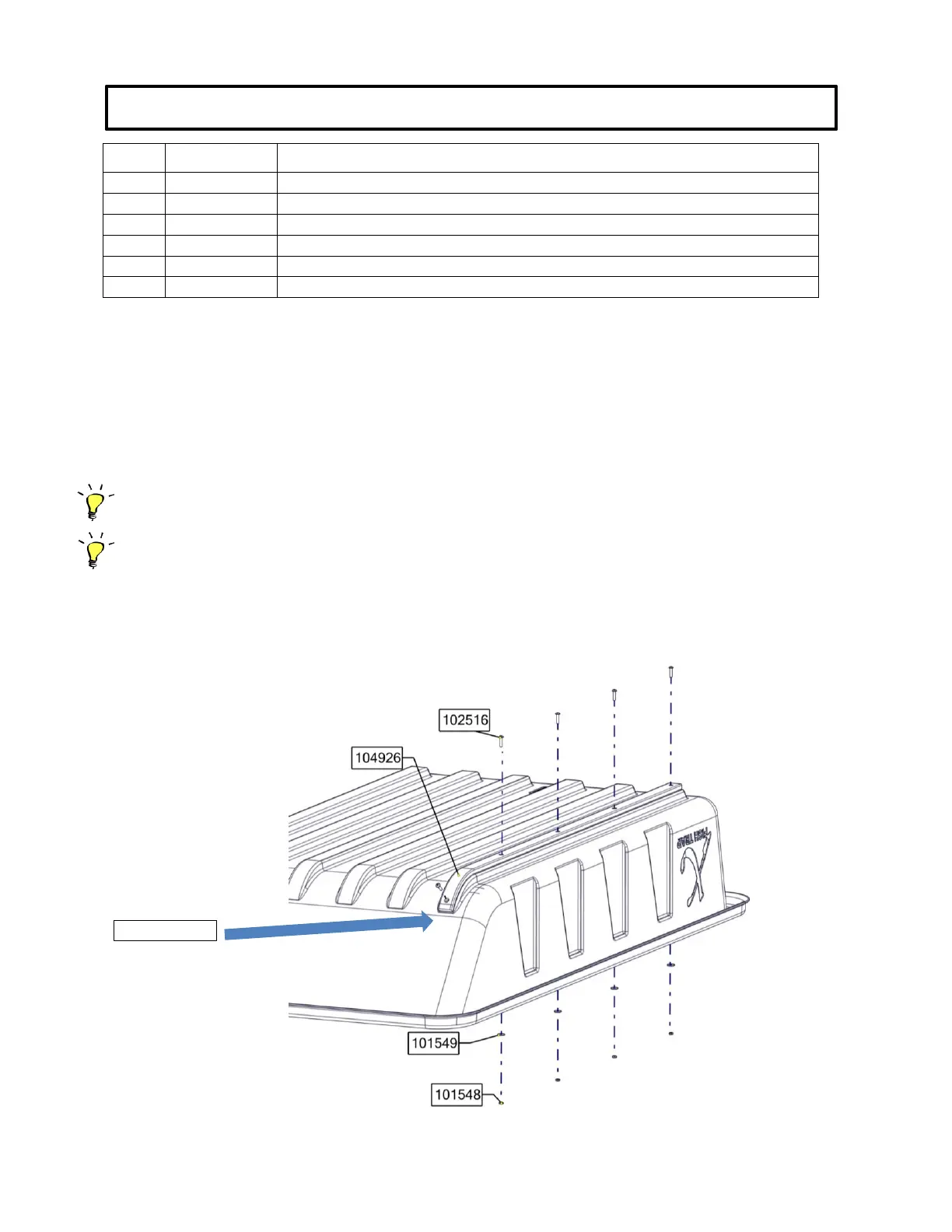
1. Position the strips on the base. Using a 3/16” or slightly larger drill bit, drill a hole
through the base
using existing holes in the
runner strip
starting
at the
curved
end of the base.
2. Slightly tighten fasteners to hold the strip in place so that you may then bend the runner around the
curved area before drilling the next hole
(If you have trouble bending the Wear Strip to the contour of the base, use a heat gun or hair dryer to
make the Strips more pliable before drilling.)
(Also, apply a small amount of grease to threads of screw to prevent seizing of threads.)
3. Drill next hole through the base and slightly tighten fastener to hold the runner in place.
4. Keep repeating this procedure for remaining holes and securely tighten all fasteners when they
are all installed.
5. Repeat same process for remaining runners.


 To Previous Page
 Loading...