EasyManua.ls Logo

CLARCOR UAS DPM - User Manual

Default Icon
16 pages
Print Icon
To Next Page IconTo Next Page
Loading...
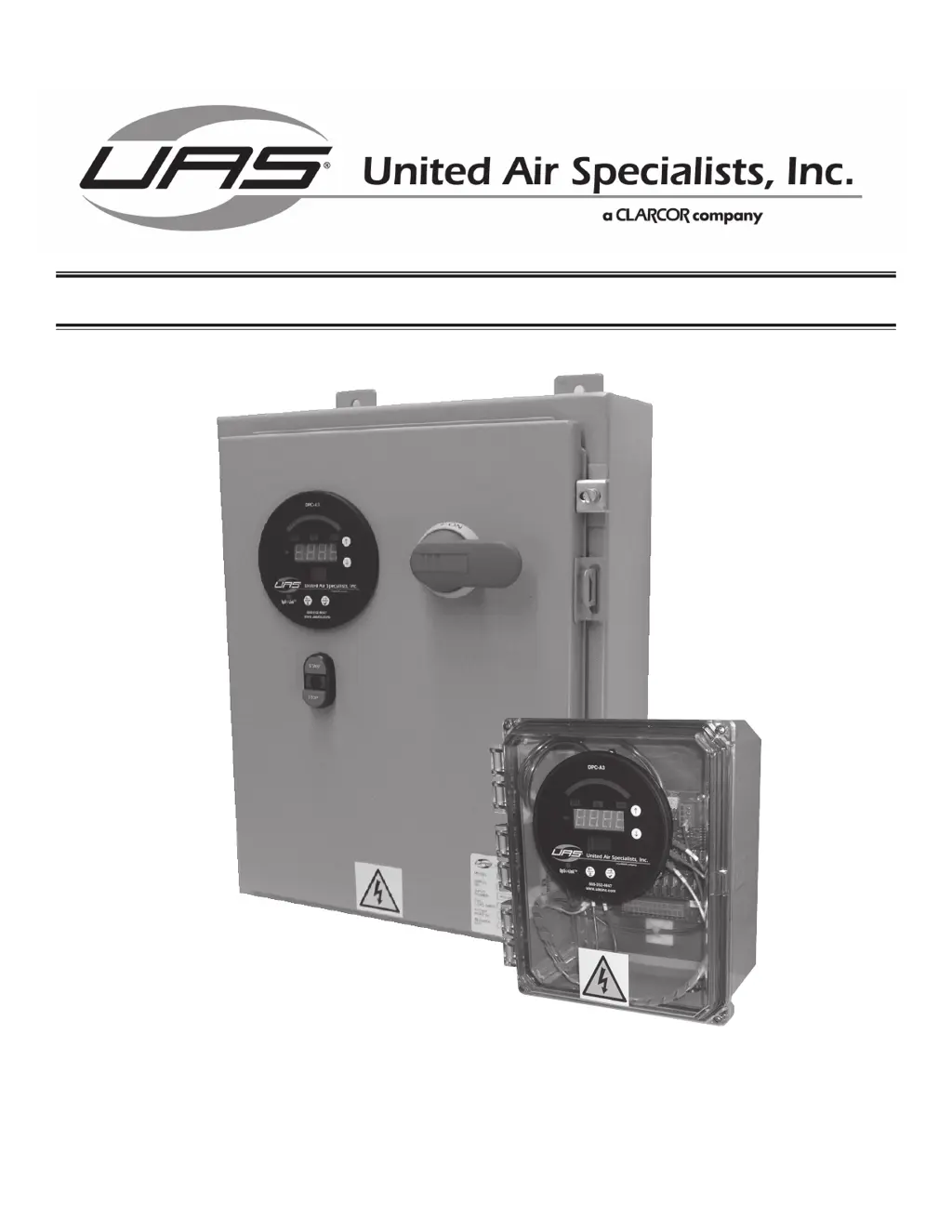
PULSE CONTROL PANEL:
DPM/DPC
OWNER’S MANUAL

Questions and Answers

  • A
    Ashley AyalaAug 12, 2025
    What to do if downtime cleaning does not function on the CLARCOR Control Panel?
    • E
      Eric KingAug 12, 2025
      If the downtime cleaning isn't working, ensure power is continuously supplied to the terminals on TB1, even after the motor starter shuts down. Also, verify that the isolated normally open motor starter auxiliary contact is correctly wired to the MOT AUX terminals on TB3, as downtime cleaning initiates when the blower motor starter is shut down. Finally, confirm that the DT CYCLES setting is not set to 0.
  • M
    Melissa BushAug 19, 2025
    How to troubleshoot a CLARCOR Control Panel timer board that does not operate?
    • S
      Steven WrightAug 19, 2025
      If the timer board isn't working, make sure the correct power is reaching the terminals at TB1 at all times. Also, ensure an isolated normally open motor starter auxiliary dry contact is wired to the MOT AUX terminals on TB3. Check that the PULSE DELAY and PULSE DURATION settings are not set to 0. Finally, inspect the F1 and F2 fuses for an open circuit; replace them if they're blown.
  • N
    nalexanderAug 27, 2025
    Why doesn't the CLARCOR Control Panel timer board pulse in pressure switch mode?
    • S
      Steve WoodsAug 27, 2025
      If the timer board isn't pulsing in pressure switch mode, first, ensure that an isolated normally open pressure switch contact is wired to the PRESS SW terminals on TB3. Second, verify that SW2 is set to PS mode. Lastly, confirm that the filter pressure drop exceeds the pressure switch setpoint.
  • J
    Julie WagnerSep 3, 2025
    What to do if expanded operation does not function on CLARCOR Control Panel?
    • T
      todd88Sep 3, 2025
      If expanded operation isn't functioning, check these things: 1. Ensure one timer board has SW3 set to MASTER and the other has SW3 set to SLAVE. 2. Confirm that MOT AUX and HANDSHAKING wiring is connected from one board to the other. 3. Ensure PRESS SW (if used) is also connected from one board to the other. 4. Verify that the SW2 switch on both boards is set to either CONTINUOUS or PS mode, with both boards having the same selection.

CLARCOR UAS DPM Specifications

General IconGeneral
BrandCLARCOR
ModelUAS DPM
CategoryControl Panel
LanguageEnglish