EasyManua.ls Logo

Clas Ohlson 36-5333 - User Manual

Clas Ohlson 36-5333
36 pages
Print Icon
To Next Page IconTo Next Page
Loading...
EnglishSvenskaNorskSuomiDeutsch
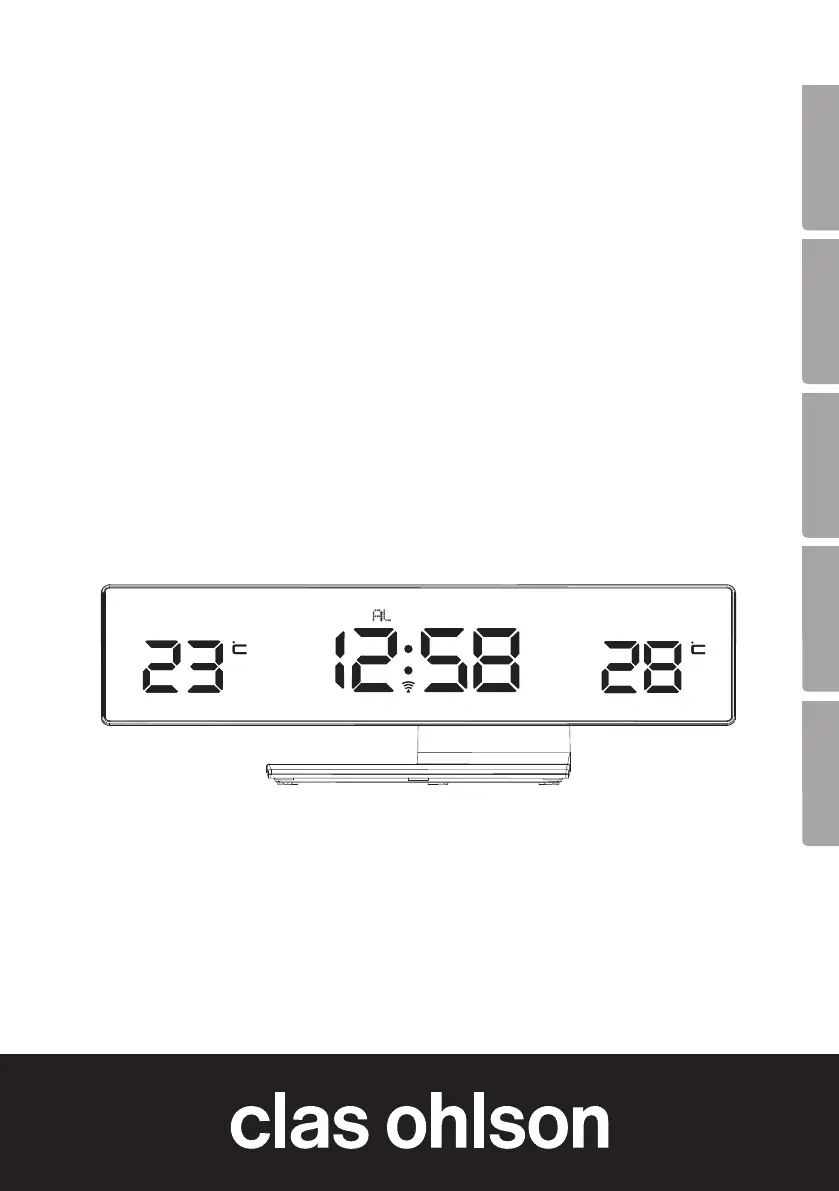
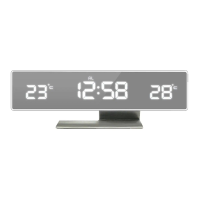
Radio Controlled
Alarm Clock
Radiokontrollerad väckarklocka
Radiokontrollert vekkerklokke
Radio-ohjattu herätyskello
Funk-Wecker
Art.no Model
36-5333 E0062A
Ver. 20171025

Questions and Answers

  • W
    William SmithAug 7, 2025
    What to do if my Clas Ohlson Alarm Clock is functioning abnormally?
    • L
      Lori MorrowAug 7, 2025
      If your Clas Ohlson Alarm Clock is functioning abnormally or displaying strange readings, press the RESET button on the back of the alarm clock.
  • O
    ogonzalesAug 21, 2025
    Why does my Clas Ohlson Alarm Clock lose contact with the outdoor sensor?
    • J
      Jennifer GarciaAug 21, 2025
      The Clas Ohlson Alarm Clock loses contact with the outdoor sensor because the signal from the outdoor sensor is affected by interference from other electrical devices, furniture, or physical structures. To solve this problem: * Bring the outdoor sensor inside and remove the batteries to reset it. * Check the batteries and replace them if needed. * Insert new batteries and connect the units according to the instructions. * Try moving the sensor to a different location.

Summary

What is a Radio Controlled Clock

Safety

Buttons and Functions

Alarm Clock Controls

Overview of buttons and indicators for the main alarm clock unit, including time, temperature, and alarm status.

Sensor Unit

Getting Started

Time Signal Reception

Automatic Time Signal Search

Manual Time Signal Search

Disabling Time Signal Reception

Signal Strength Indicator

Manual Time Setting

Setting the Alarm

Turning Off the Alarm

Adjusting Display Brightness

Care and Maintenance

Troubleshooting Guide

Responsible Disposal

Specifications

Declaration of Conformity

Clas Ohlson 36-5333 Specifications

General IconGeneral
Power SourceBattery
BrandClas Ohlson
Model36-5333
CategoryAlarm Clock
Display TypeLCD
Alarm TypeBuzzer
TypeDigital

Related product manuals