5
English
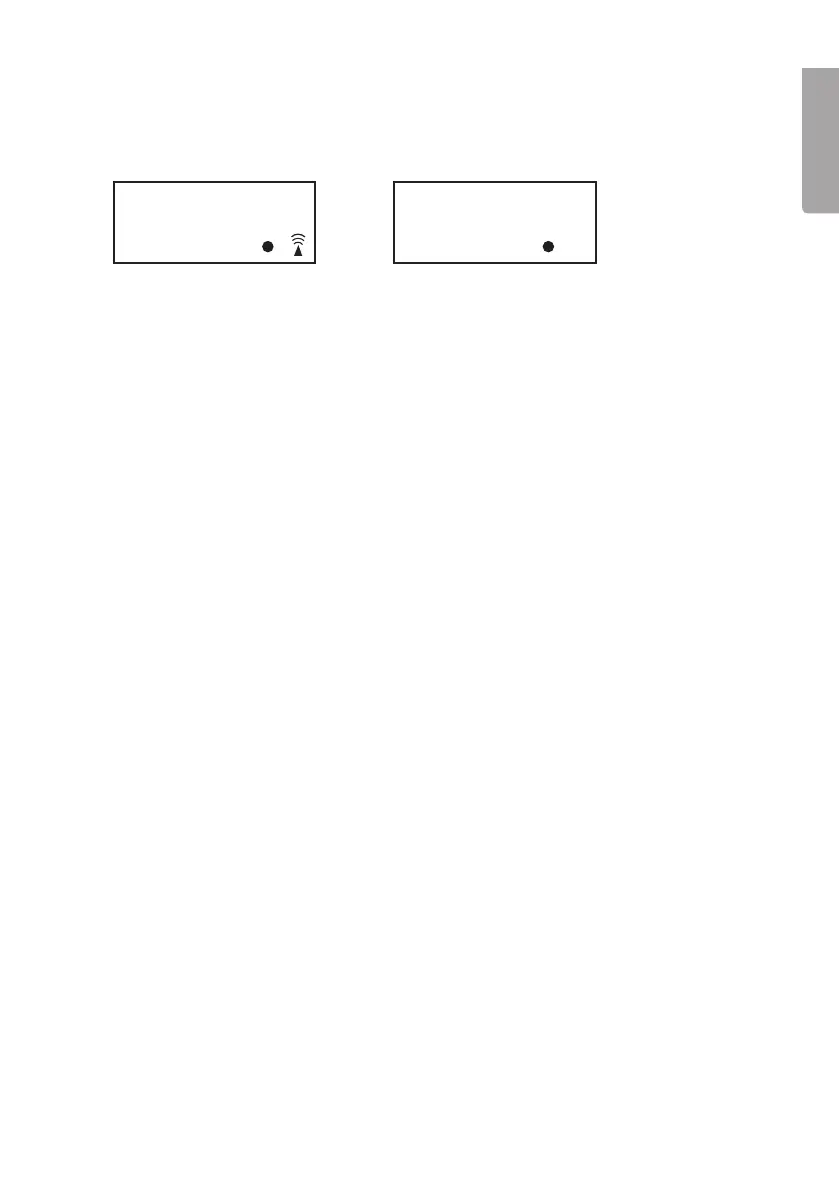
Reception OK Unsuccessful reception
Successful or unsuccessful reception
• When the signal reception has been successful the reception symbol on the
display is constant.
• If the reception is unsuccessful, no reception symbol will appear. See step 3.
Automatic radio signal reception
• The clock will automatically update the time every day at 1 am. If the time update
signal is not received at this time the clock will try to update the time at 2 am
and 3 am.
• If the update attempt at 3 am is unsuccessful, the clock will try to update every
3rd hour until the correct time has been received.
Manual radio signal reception
• Press HR at any time. The clock will now enter reception mode for searching
for the correct time. The display will show r:00.
Setting the clock manually
1. Press and hold in TIME whilst simultaneously pressing repeatedly on WAVE/HR
to set the hours.
2. Press and hold in TIME whilst simultaneously pressing repeatedly on MIN to set
the minutes.
3. Release the TIME button when the clock is set.
Changing the time zone
• Press and hold in TIME. With the TIME button held in, press SNOOZE once.
The display will show “01”. Keep TIME held in and change the time zone using
the MIN button.
◦ “0” GMT +0 (United Kingdom)
◦ ”1” GMT +1 (Central European Time. E.g. Sweden)
◦ ”2” GMT +2 (Eastern European Time. E.g. Finland)
• Release the TIME button when the desired time zone has been selected.
I2
:
30
PM
I2
:
30
PM


 To Next Page