EasyManua.ls Logo

Clas Ohlson MG882K-12mHD - User Manual

Clas Ohlson MG882K-12mHD
116 pages
Print Icon
To Next Page IconTo Next Page
Loading...
EnglishSvenskaNorskSuomiDeutsch
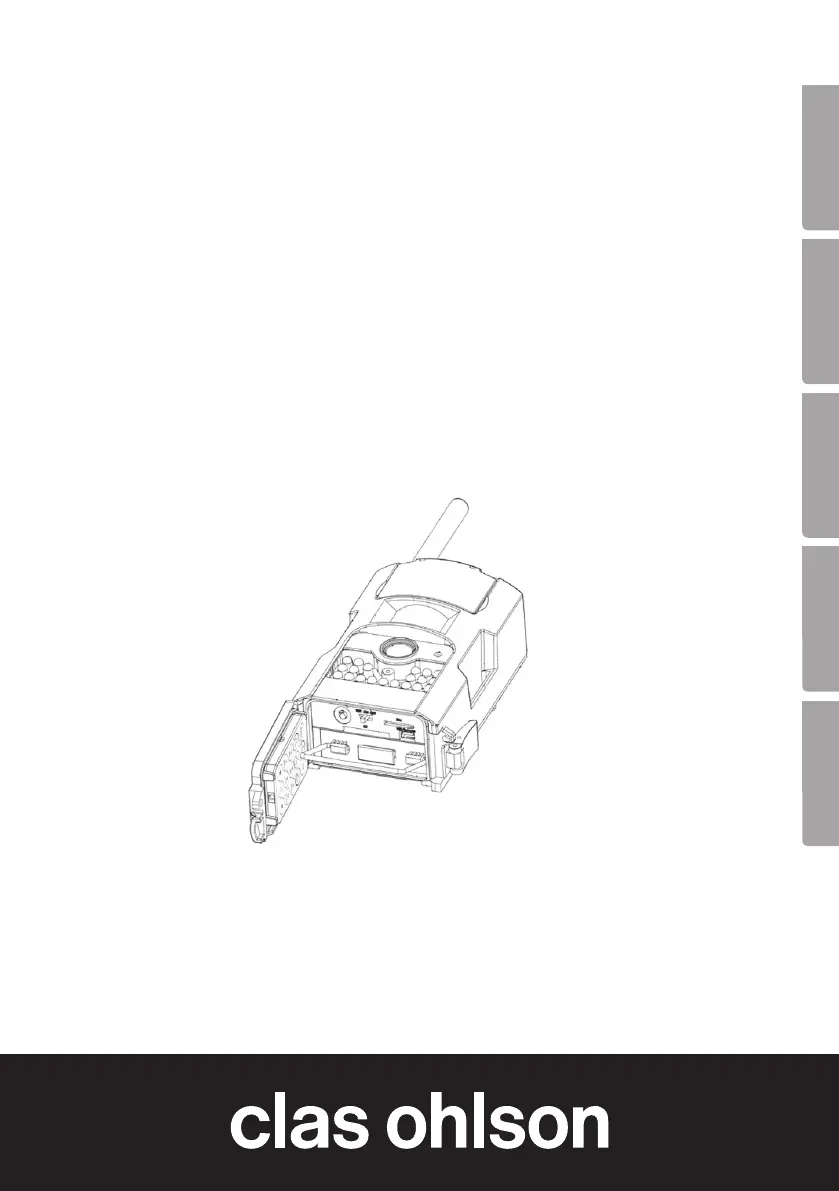
Hunting Game Camera
with MMS/E-Mail
Vilt-/åtelkamera m. MMS/e-post
Overvåknings og viltkamera med MMS/e-post
Riistakamera, jossa MMS-viestit ja sähköpostit
Wildkamera/Fotofalle mit MMS/E-Mail
Art.no Model
36-5762 MG882K-12mHD
Ver. 20160125

Questions and Answers

  • A
    Anthony TurnerAug 15, 2025
    What to do if the Clas Ohlson MG882K-12mHD remote control is not working?
    • E
      Elaine BushAug 15, 2025
      If your Clas Ohlson Digital Camera remote control isn't working, first, check the battery and replace it if needed. Also, ensure the remote is within approximately 9 meters of the camera. Finally, turn off the camera and insert a memory card.
  • S
    Stephen JohnsonAug 18, 2025
    Why my Clas Ohlson MG882K-12mHD Digital Camera cannot find the memory card?
    • J
      Jessica GarzaAug 18, 2025
      If your Clas Ohlson Digital Camera cannot find the memory card, try the following: * Format the memory card in the camera. * Ensure the memory card is not larger than 32 GB. * Check that the memory card is not locked. * Try using a different memory card, as the current one may be defective.
  • G
    Gary WestAug 21, 2025
    How to fix Clas Ohlson MG882K-12mHD not found when connected to computer?
    • M
      Mark WeberAug 21, 2025
      If your Clas Ohlson Digital Camera (memory card) is not found when connected to a computer, verify that the USB cable is intact and properly connected to both the camera and the computer. Also, the memory card could be incorrectly formatted.
  • M
    Michael LoganAug 25, 2025
    Why are there many blank photos/videos on my Clas Ohlson Digital Camera?
    • P
      proachAug 26, 2025
      If your Clas Ohlson Digital Camera is taking many blank photos or videos, it might be due to the camera sensitivity being set incorrectly, or the camera is aimed incorrectly.
  • S
    Stephanie MoodyAug 28, 2025
    What to do if my Clas Ohlson Digital Camera is not taking photos/videos?
    • B
      brendangayAug 28, 2025
      If your Clas Ohlson Digital Camera is not taking any photos or videos, ensure that the function switch is not in TEST or OFF mode. Also, check if the memory card is write-protected or if the batteries are discharged.
  • K
    Katie PetersAug 31, 2025
    Why are the photos/videos from my Clas Ohlson MG882K-12mHD poorly defined?
    • B
      blevinsjohnAug 31, 2025
      If your Clas Ohlson Digital Camera photos or videos are poorly defined, it could be due to an incorrect distance to the subject. Check the lens and clean it if necessary.
  • M
    Matthew GriffithSep 3, 2025
    Why are my Clas Ohlson Digital Camera photos/videos black and white?
    • M
      Michael WeaverSep 4, 2025
      If your Clas Ohlson Digital Camera photos and videos are black and white, it's likely because they were taken in darkness.
  • C
    christopher16Sep 7, 2025
    Why is the display blank on my Clas Ohlson MG882K-12mHD?
    • E
      Elizabeth Price MDSep 7, 2025
      If the display on your Clas Ohlson Digital Camera goes blank or does not come on in Test mode, it automatically goes blank after 3 minutes if no settings are changed.
  • W
    Wanda PerezSep 10, 2025
    What to do if something is obscuring the lens of my Clas Ohlson MG882K-12mHD?
    • M
      matthew61Sep 12, 2025
      If something is obscuring the lens of your Clas Ohlson Digital Camera, it could be the IR filter. When the camera is turned on, the filter returns to its correct position. The camera lens has an IR filter which, when the camera is switched off, can end up in a position where it obscures the lens.

Summary

Product Description and Initial Setup

Product Description

Details 12 MP resolution, night vision, MMS/email capabilities, and storage options.

Getting Started: Inserting Batteries

Step-by-step instructions for inserting batteries into the camera.

Important Setup Requirements

States requirements for SD card and SIM card for full functionality.

Software Configuration and Connectivity

Software Configuration via BMC Config

Guides on downloading, installing, and configuring camera settings via software.

MMS and GPRS Settings

Explains configuration for MMS and GPRS for sending data.

Network Compatibility

Explains network compatibility (GSM 2G only) and email setup.

Camera Operation and Controls

Buttons and Functions Overview

Identifies key buttons, ports, and indicators on the camera.

Remote Control Operation

Explains remote control usage, buttons, and battery replacement.

Display Symbols and Memory Card Management

Explains display icons and guides for memory card insertion/formatting.

Optimizing Camera Performance

Camera Placement and Aiming

Advice on mounting, securing, and aiming the camera for optimal results.

Tips for Best Results

Guidance on temperature, lighting, and obstructions for optimal photos.

Detailed Settings Configuration

Factory Settings Overview

Lists default configurations for various camera functions.

Specific Settings Configuration

Details on language, photo, video, PIR, and timer settings.

Advanced Settings (MMS, GPRS, Send Mode)

Configuration for timer, MMS, GPRS, and message sending modes.

Troubleshooting and Specifications

Troubleshooting Common Issues

Solutions for common problems like no photos, blank images, or connectivity issues.

Technical Specifications

Details on image sensor, lens, motion detector range, and power supply.

Responsible Disposal and Compliance

Guidance on disposal and product conformity statements.

Clas Ohlson MG882K-12mHD Specifications

General IconGeneral
BrandClas Ohlson
ModelMG882K-12mHD
CategoryDigital Camera
LanguageEnglish