EasyManua.ls Logo

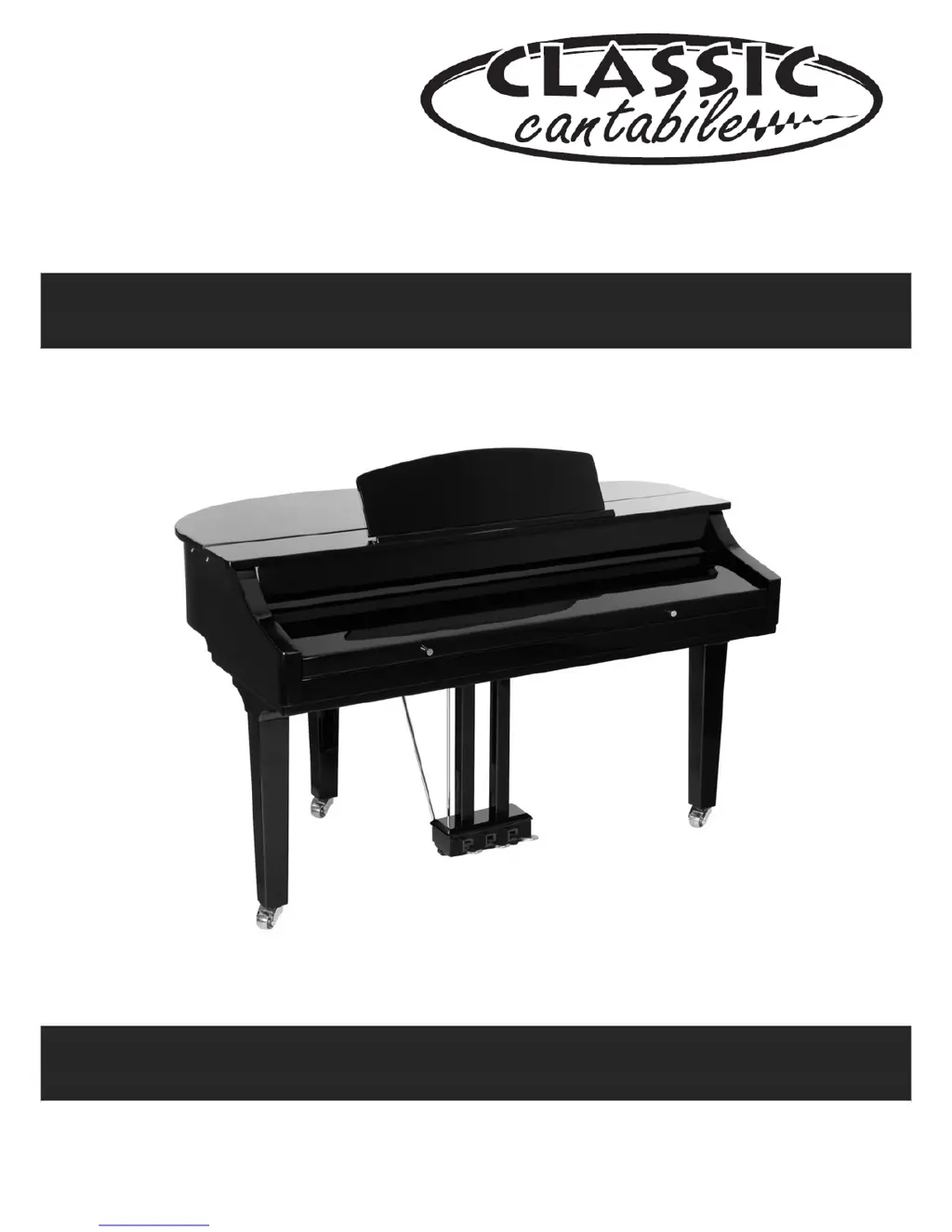
Classic Cantabile GP 500 - User Manual

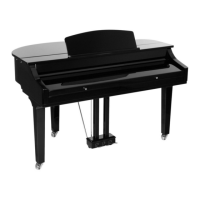
Classic Cantabile GP 500
62 pages
Print Icon
To Next Page IconTo Next Page
Loading...
000
16472/000
25072
Version 01/2012
GP 500 Digital Piano
Users manual

Questions and Answers

  • R
    robert78Aug 10, 2025
    What to do if there is no sound from my Classic Cantabile GP 500?
    • K
      Karen MaloneAug 10, 2025
      If no sound is coming from your Classic Cantabile Musical Instrument, even when playing the keyboard or a song, ensure that headphones are not plugged into the PHONES jack on the rear panel. When headphones are connected, the instrument will not output sound through its speakers.
  • L
    Laura MendezAug 25, 2025
    Why does my Classic Cantabile GP 500 Musical Instrument make a popping sound when turned on or off?
    • A
      Alice WhiteAug 25, 2025
      The popping sound from your Classic Cantabile Musical Instrument, whether you turn it on or off, simply means the instrument is getting power. This is normal.

Classic Cantabile GP 500 Specifications

General IconGeneral
Number of Keys88
MetronomeYes
EffectsReverb, Chorus
FunctionsSplit, Layer, Transpose
ConnectivityHeadphone Jack, MIDI
SoundsMultiple built-in sounds

Related product manuals