EasyManua.ls Logo

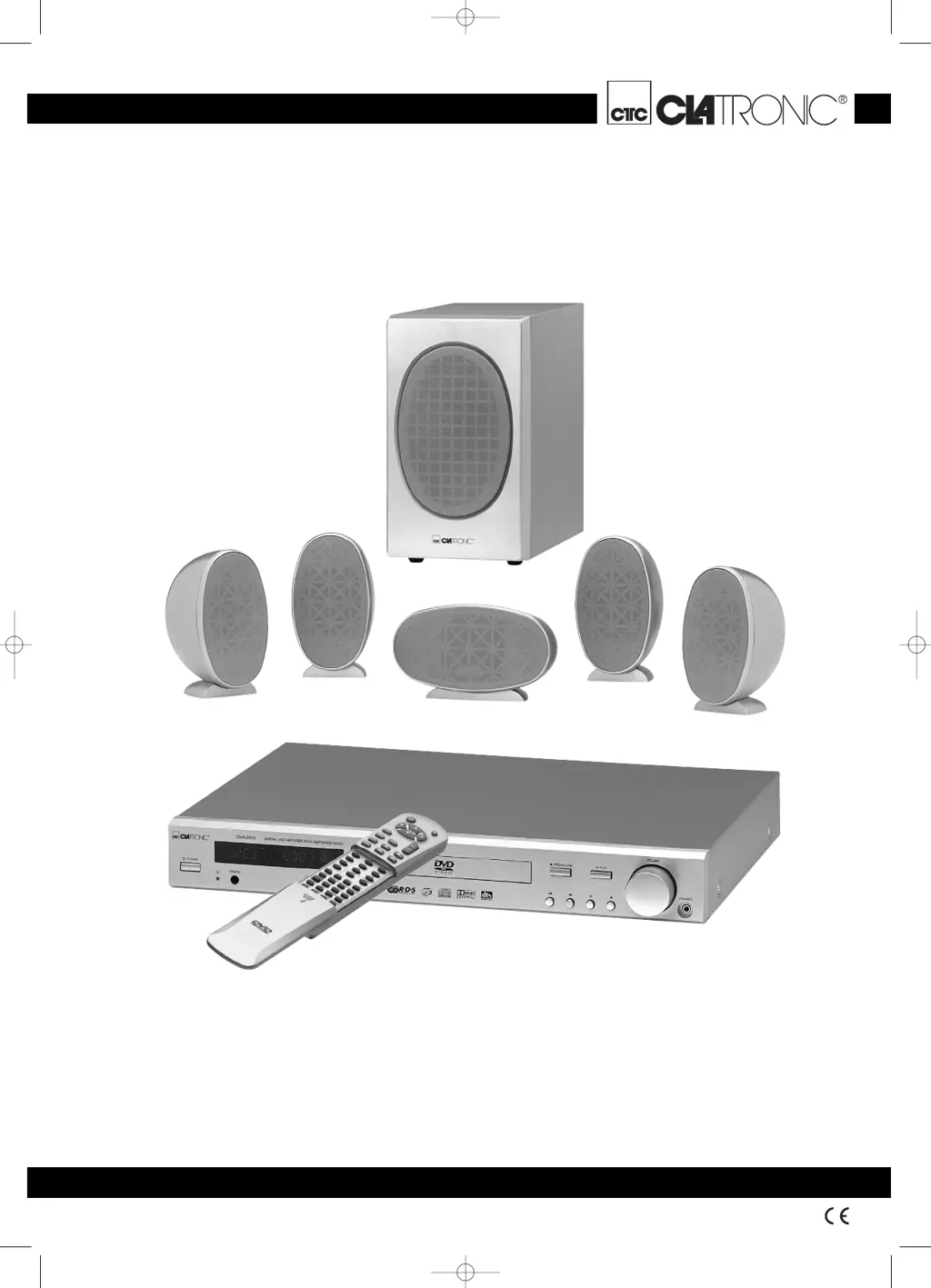
Clatronic DVD 568 HC - User Manual

Clatronic DVD 568 HC
36 pages
Go to English
Print Icon
To Next Page IconTo Next Page
Loading...
DVD 568 HC
D
Bedienungsanleitung
Seite 4–18
GB
Instructions for use
Page 1933
DVD 568 HC Umschlag 18.08.2003 9:52 Uhr Seite 1

Questions and Answers

  • J
    Joshua JohnsonAug 7, 2025
    What to do if my Clatronic DVD 568 HC doesn't play any sound?
    • Y
      ysolisAug 8, 2025
      If your Clatronic Home Theater System isn't producing sound, first, ensure that all audio connections are properly and securely set. Then, check for connected headphones and disconnect them, as they may be diverting the audio output.
  • M
    Mike JohnsonAug 11, 2025
    Why my Clatronic DVD 568 HC Home Theater System is not responding to the remote control?
    • D
      davidmanningAug 12, 2025
      If your Clatronic Home Theater System isn't responding to the remote, try these steps: * Remove any large objects that might be blocking the signal between the remote and the device. * Replace the remote's batteries with new ones.
  • S
    Sandra TaylorAug 16, 2025
    What to do if nothing happens and all displays stay dark on my Clatronic Home Theater System?
    • S
      Stephanie MartinezAug 16, 2025
      If your Clatronic Home Theater System's displays are dark and nothing is happening, check the following: 1. Ensure the power plug is correctly plugged into the outlet. 2. Verify that the power socket is conducting current by testing it with another device. 3. Make sure the device is switched on.
  • N
    nkellerAug 20, 2025
    Why is the image black and white or partially distorted on my Clatronic DVD 568 HC Home Theater System?
    • J
      Jonathan ChangAug 21, 2025
      If the image on your Clatronic Home Theater System is black and white or distorted, it's likely due to an incorrect video standard setting. Set the video standard to match the one supported by your television.
  • B
    brownelizabethAug 25, 2025
    What to do if only the POWER LED is on on my Clatronic DVD 568 HC?
    • D
      Dorothy JacksonAug 26, 2025
      If only the POWER LED is illuminated on your Clatronic Home Theater System, the device is likely in standby mode. Press the STANDBY button on the remote control to turn it on.
  • J
    Joshua RodriguezAug 29, 2025
    Why does my Clatronic DVD 568 HC not read CD-Rs or CD-RWs correctly?
    • J
      James OrtegaAug 29, 2025
      If your Clatronic Home Theater System isn't reading recorded CD-Rs or CD-RWs correctly: * Try recording the CD-R/CD-RW at a slower speed (1x or 2x). * Ensure that you strictly adhered to the standards of the respective data format.
  • B
    Brenda KeySep 2, 2025
    Why are MP3s not playing or not playing correctly on my Clatronic DVD 568 HC Home Theater System?
    • N
      Nancy GonzalezSep 2, 2025
      To resolve issues with MP3 playback on your Clatronic Home Theater System, ensure that the data carrier exclusively contains MP3 files.

Clatronic DVD 568 HC Specifications

General IconGeneral
BrandClatronic
ModelDVD 568 HC
CategoryHome Theater System
LanguageEnglish