EasyManua.ls Logo

Clayton DUSTMASTER 660-DM-1000 - User Manual

Default Icon
25 pages
Print Icon
To Next Page IconTo Next Page
Loading...
TECHNICAL MANUAL
OPERATION AND MAINTENANCE INSTRUCTIONS
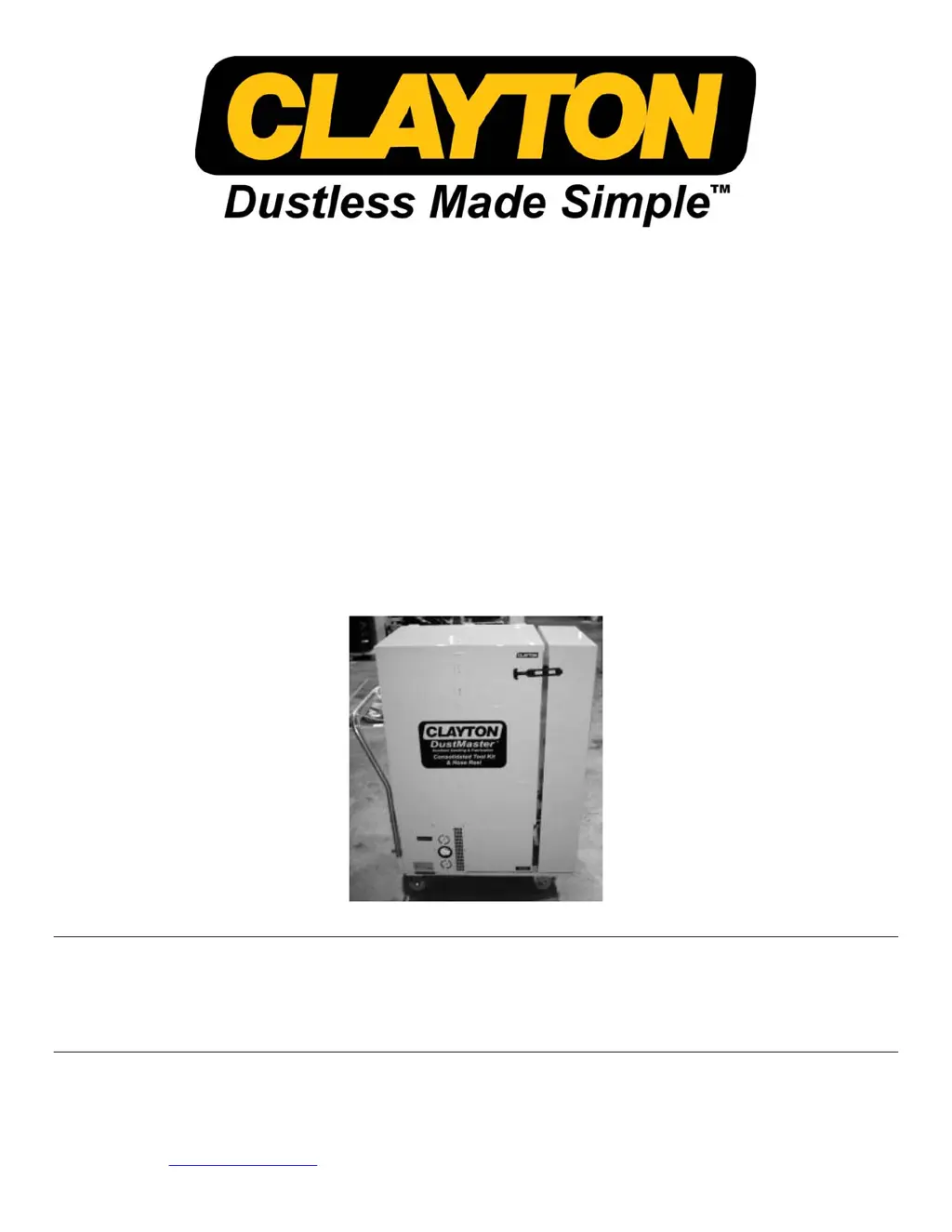
DUSTMASTER™
VACUUM SANDING SYSTEMS
660-DM-1000 670-DM-1535-0 670-DM-1535-4 DM-100
DM-104 DM-300 DM-304 682-A100 Cyclone Separator
This manual is intended as a complete operator’s manual for owners and users of the Clayton DustMaster™ Vacuum
Systems. Although this manual details maintenance and operation of Clayton pneumatic tools in conjunction with the
vacuum, these tools are sold separately or as part of a kit. Purchasers of the DustMaster™ vacuum systems may choose
to purchase pneumatic tools, hoses, or accessories from Clayton Associates, Inc.
Clayton Associates, Inc. www.VacuumSanding.com
1650 Oak Street Lakewood, NJ 08701 www.DustlessMadeSimple.com
Phone (732) 363-2100 Fax (732) 364-6084 www.JClayton.com
800-248-8650 Sales@JClayton.com

Questions and Answers

  • M
    Mr. Gregory Wood DDSAug 3, 2025
    Why is my Clayton Sander vacuum performance so low?
    • P
      Patrick RobinsonAug 3, 2025
      If your Clayton Sander vacuum performance is low, ensure that compressed air is being delivered at 90-100 PSI through a ¾” compressed air hose. Also, replace the filter bag and/or prefilter using the Safe- Filter-Change procedure. Check each hose for obstruction and remove any debris. If the vacuum motors are contaminated by dirty compressed air, contact Clayton for support.
  • S
    stevenkimAug 8, 2025
    What to do if Clayton Sander air tools operating too slowly?
    • R
      ramosrachelAug 8, 2025
      If your Clayton Sander air tools are operating too slowly, increase the supplied compressed air pressure or the size of the airline feeding the system. Inspect the external air filter. Also, increase the tool throttle with the adjustment knob on the tool.
  • S
    Steve LewisAug 13, 2025
    How to fix Clayton Sander air tools operating too fast?
    • J
      Joshua MorrisAug 13, 2025
      If your Clayton Sander air tools are operating too fast, reduce the compressed air supply by installing a properly sized regulator between the compressed air supply and the vacuum system. Reduce the tool throttle with the adjustment knob on the tool.
  • A
    Angela WolfeAug 18, 2025
    Why is there excessive dust visible at the work surface using Clayton Sander?
    • H
      harmonkathleenAug 18, 2025
      If excessive dust is visible at the work surface while using your Clayton Sander, replace the filter bag and/or prefilter using the Safe- Filter-Change procedure. If fine dust has coated the surface of the filter bag, open the filter compartment using the Safe-Filter-Change procedure. With a blunt tool, gently shake the filter bag to knock particles off the inner wall and check the minihelic reading. If a new DustMaster filter bag and prefilter are in place, the minihelic should read below 5; otherwise, the ULPA filter needs to be replaced.
  • N
    Nathan BurtonAug 23, 2025
    How to troubleshoot Clayton DUSTMASTER 660-DM-1000 vacuum that will not start?
    • M
      Marc CastroAug 23, 2025
      If your Clayton Sander vacuum will not start, ensure that the main air supply is connected. Push the switch up, confirm that the vacuum electrical cord is plugged into an outlet, and ensure that the outlet is energized.
  • T
    Tamara TylerAug 28, 2025
    What causes static electricity and shocking with Clayton DUSTMASTER 660-DM-1000?
    • E
      Elizabeth LoveAug 28, 2025
      If static electricity is causing sparks or shocking when using your Clayton Sander, ensure that shop air lines are grounded. Check to be sure that a ground wire has been connected to the vacuum grounding lug and that conductive vacuum hoses are being used.

Summary

Introduction

Warnings and Cautions

Preparation for Use

Preparation for Storage

Preparation for Shipping

Electric Powered Vacuum Operational Procedures

Air Powered Vacuum Operational Procedures

Safe Filter Change Procedure

Cyclone Collection Bag Filter Change

Procedure for changing the cyclone collection bag in specific vacuum models.

Main Filter Bag Change

Steps for changing the main filter bag in the vacuum system.

Bag Filter Change

Procedure for changing the filter bag in all vacuum models.

Prefilter Change Procedure

Steps for changing the prefilter in the vacuum system.

ULPA Filter Change

Procedure for changing the ULPA filter in the vacuum system.

Vacuum Maintenance

Tool Maintenance

Hose Maintenance

Troubleshooting Electric DM-100;300

Troubleshooting Air Powered DM-104;304

Warranty Information

EC Declaration of Conformity

Clayton DUSTMASTER 660-DM-1000 Specifications

General IconGeneral
BrandClayton
ModelDUSTMASTER 660-DM-1000
CategorySander
LanguageEnglish

Related product manuals