EasyManua.ls Logo

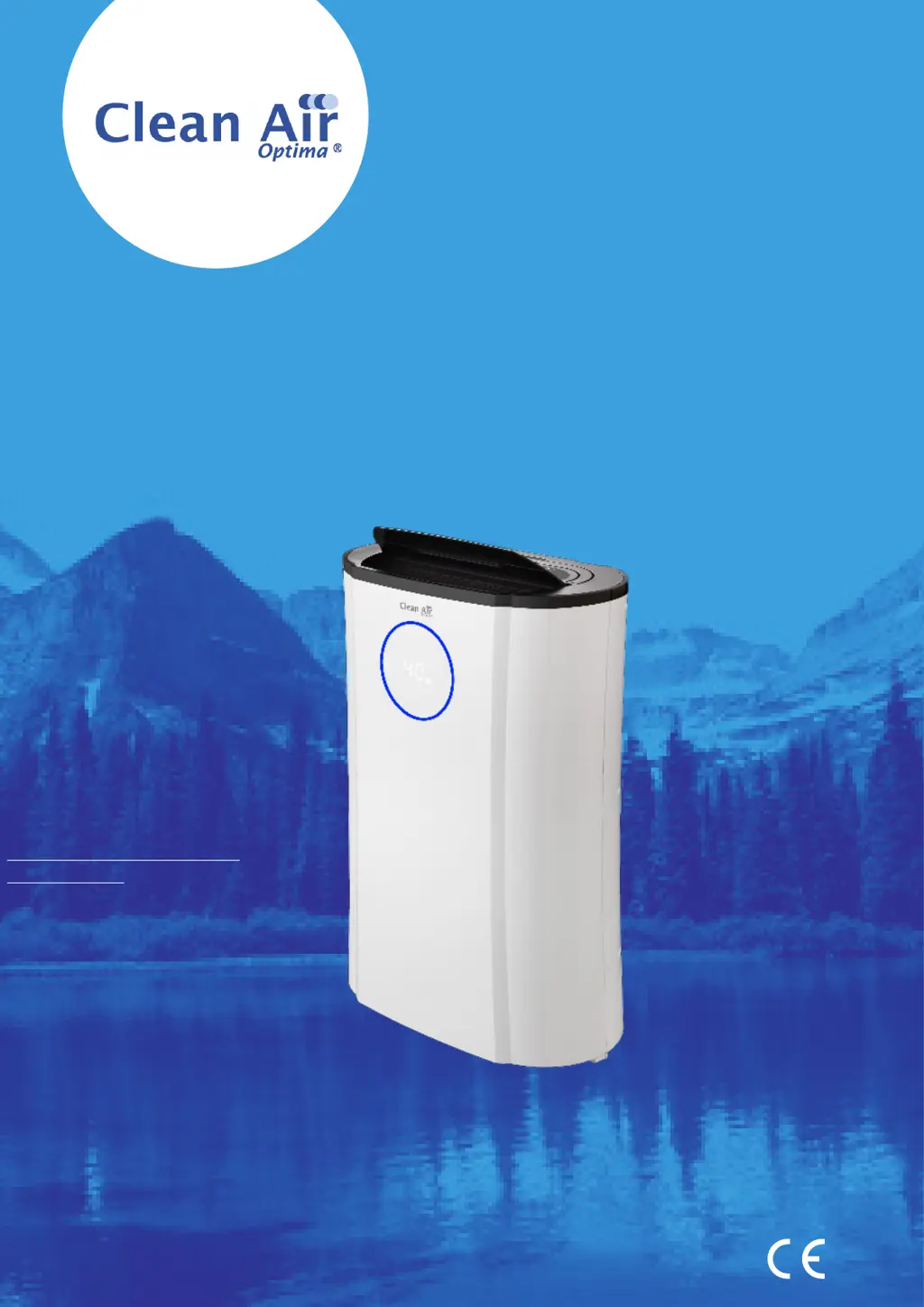
Clean Air Optima CA-704 - User Manual

Clean Air Optima CA-704
156 pages
Print Icon
To Next Page IconTo Next Page
Loading...
Model: CA-704 / CA-707
Read these instructions carefully before you start using this Clean Air Optima® device and keep the manual for later usage.
Clean Air Optima® 2in1: Dehumidifier & Air Purifier
© Copyright: Clean Air Optima
®
Manual
(EN) User manual
(DE) Gebrauchsanweisung
(NL) Gebruiksaanwijzing
(FR) Mode d’emploi
(ES) Manual del usuario
(PL) Instrukcja obsługi
(CZ) Uživatelská příručka
(RO) Manual de utilizare
(LT) Naudotojo vadovas
(EE) Kasutusjuhend
(LV) Lietošanas pamācība
Find more languages on:
www.cleanairoptima.com/
info/manuals
(RU) Руководство
пользователя
(MK) Прирачник за
користење

Questions and Answers

Summary

Clean Air Optima Dehumidifier & Air Purifier Manual

Main Unit Components

Identifies and labels the main physical components of the Clean Air Optima® device.

Device Description

Provides a detailed description of the main components of the Clean Air Optima® device.

Safety Warnings

Installation and Setup

Initial Setup Before Use

Instructions for initial setup, including removing filter sealing before device use.

Operation Instructions

Control Panel Overview

Details the control panel functions including Power, Mode selection, Humidity, and UV/ION settings.

Advanced Operating Modes and Features

Explains Timer, Sleep, Laundry Mode, Oscillation, Child Lock, and indicator lights.

Drainage and Maintenance

Water Drainage Procedures

Steps for manual water tank drainage and continuous drainage setup using a hose.

Device Housing Cleaning

Guidelines for cleaning the exterior of the dehumidifier using a soft, damp cloth.

Filter Management

Filter Replacement and Reset

Procedure for replacing filters and resetting the filter indicator timer.

Filter Cleaning Recommendations

Advice on cleaning the Pre-filter, Activated Carbon, and HEPA filters for optimal performance.

Performance, Storage, and Warnings

Operational Characteristics and Capacity

Information on heat increase during operation and dehumidifying capacity graph.

Filter Status and Ordering

Signs indicating filter replacement needs and instructions on how to order new filters.

Dehumidifier Storage Guidelines

Instructions for storing the dehumidifier when not in use for extended periods.

Troubleshooting

Specifications

CA-704 Model Specifications

Technical specifications for the Clean Air Optima® CA-704 model.

CA-707 Model Specifications

Technical specifications for the Clean Air Optima® CA-707 model.

Service and Warranty

Warranty Certificate Information

Details needed for the warranty certificate and product return process.

Warranty Terms and Conditions

Explains warranty coverage, duration, limitations, and conditions for repairs or replacements.

Clean Air Optima CA-704 Specifications

General IconGeneral
TimerYes
Noise level39 dB
Air purify rate120 m³/h
Number of speeds3
Water tank capacity4 L
Timer duration (maximum)24 h
Operating temperature (T-T)5 - 35 °C
Suitable for room area up to70 m²
Suitable for room volume up to175 m³
Operating relative humidity (H-H)35 - 80 %
AC input voltage220 - 240 V
AC input frequency50 Hz
Power consumption (max)370 W
Power consumption (standby)240 W
Display typeLED
Product colorBlack, Ivory
Weight and Dimensions IconWeight and Dimensions
Depth580 mm
Width380 mm
Height195 mm
Weight14400 g

Related product manuals