EasyManua.ls Logo

Clear One CHAT 150 - User Manual

Default Icon
34 pages
Print Icon
To Next Page IconTo Next Page
Loading...
USER’S MANUAL
CHAT
®
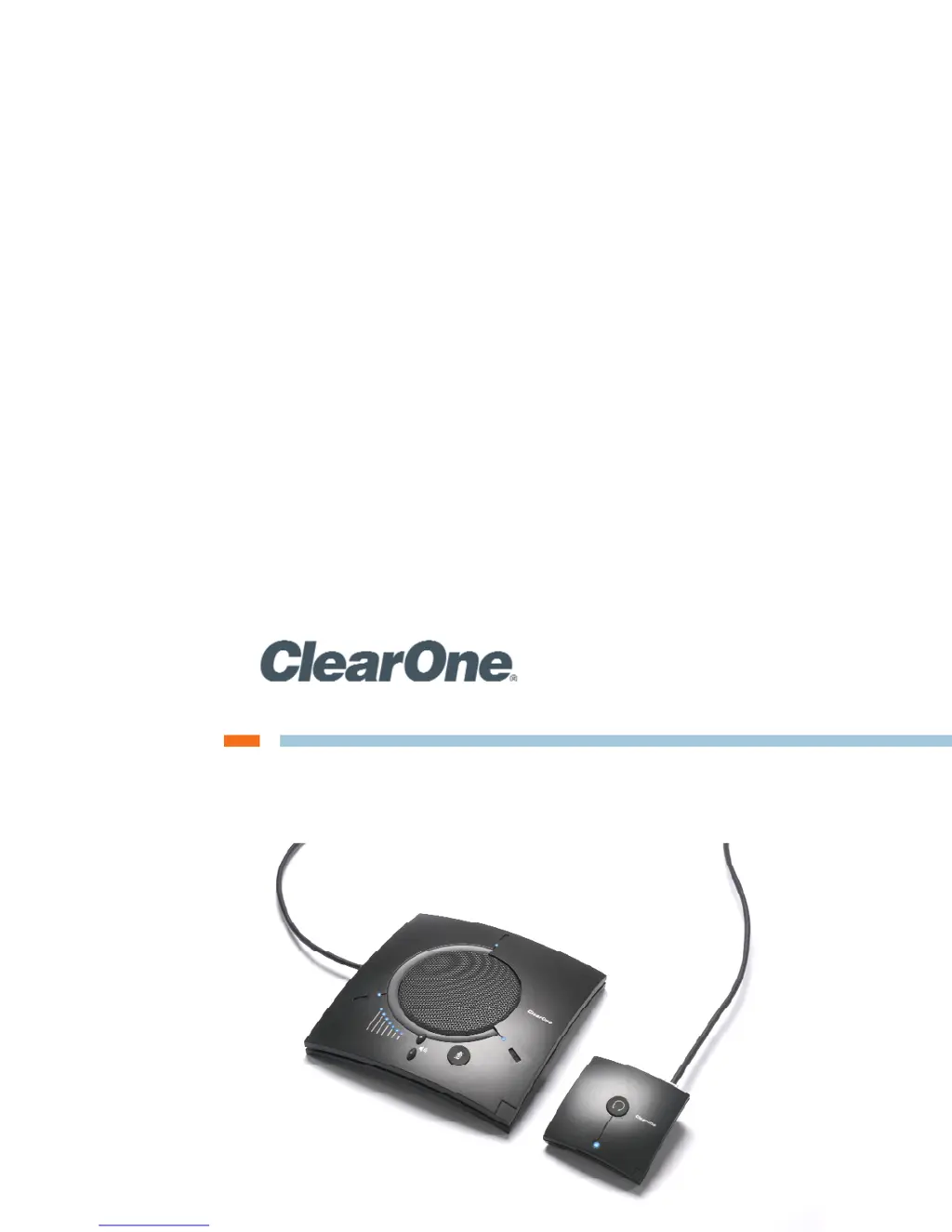
150 | CHATAttach™ 150 - Group Speaker Phone

Table of Contents

Questions and Answers

Summary

Important Safety Information

General Safety Guidelines

Crucial safety instructions and warnings for operating the CHAT 150 speaker phone.

Chapter 2: Getting Started

CHAT 150 Controls Overview

Describes the buttons, LED indicators, and breakout boxes for controlling the CHAT 150.

Connecting the CHAT 150 to a PC

Step-by-step guide for connecting the CHAT 150 to a computer via USB.

Connecting to External Devices

Instructions for connecting the CHAT 150 to telephones and video conferencing systems.

Chapter 3: Configuring the CHAT 150

Chapter 4: Using the CHAT Application

Firmware and Database Updates

Instructions for updating device firmware and software database automatically or manually.

Advanced Settings: Audio Configuration

Detailed controls for microphone, speaker, and line audio settings.

Advanced Settings: Database Management

Managing the database of device settings, including creating custom configurations.

Chapter 5: Maintenance

Troubleshooting Common Issues

Steps to diagnose and resolve audio, connectivity, and performance problems.

Clear One CHAT 150 Specifications

General IconGeneral
TypeConference Phone
Microphone TypeOmnidirectional
Dimensions10.5 x 10.5 x 3.5 inches
Weight2.5 lbs
Power SupplyUSB powered
Acoustic Echo Cancellation (AEC)Yes
Noise cancellationYes
Power SourceUSB
ConnectivityUSB
Microphones3
Microphone frequency response100 Hz - 14 kHz
Pickup Range8 ft
Frequency Response100 Hz - 20 kHz