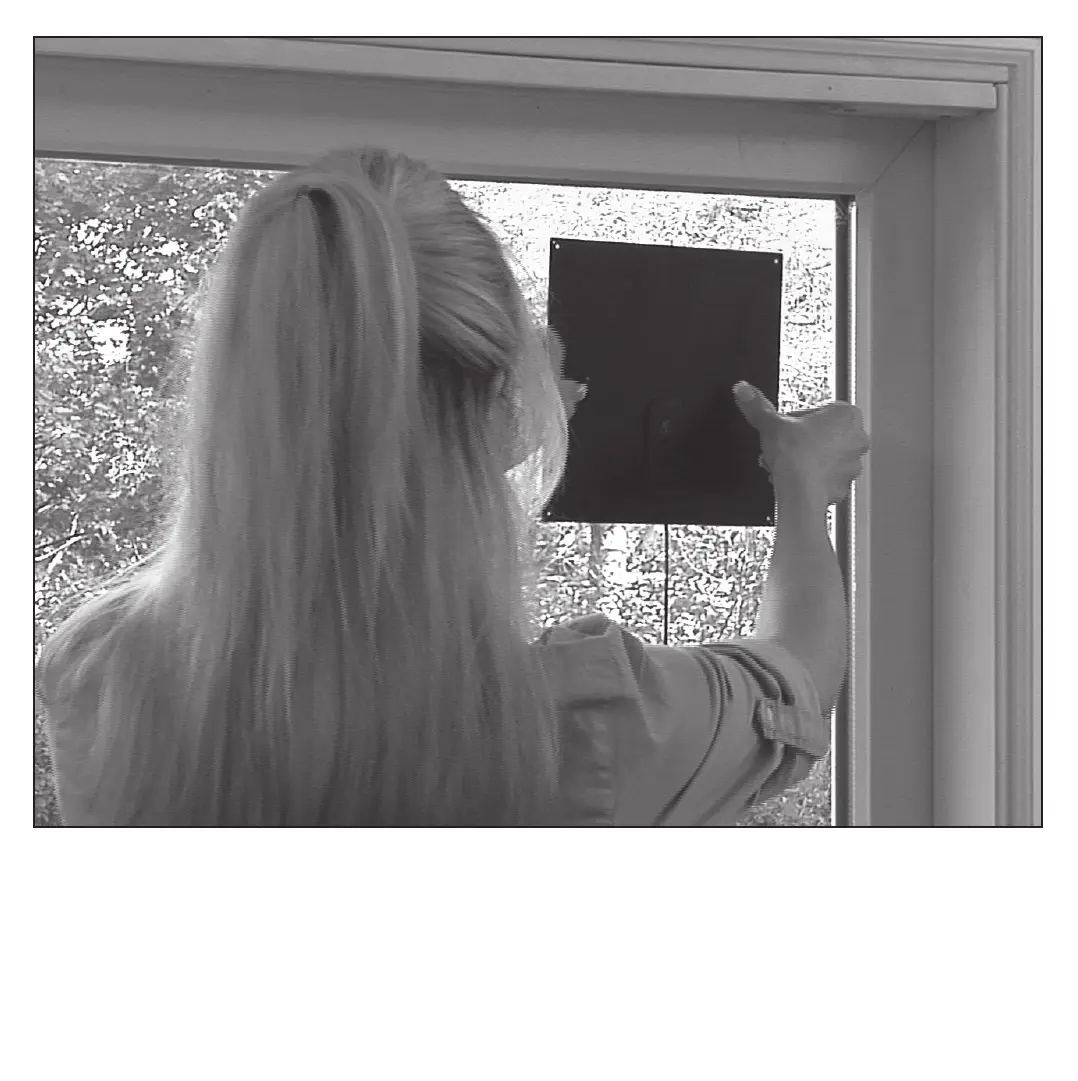
Step 2 — MOUNTING ANTENNA TO WINDOW
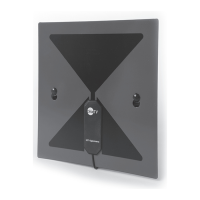
Firmly push the suction cups into place along the top of the windowpane
(Use caution when applying pressure to glass window).
Step 3 — AUTO PROGRAM SCAN
Using your TV’s remote control, navigate to the system menu
and set the TV’s input to ANTENNA. Then begin an auto search
or auto program to nd new stations.
Step 4 — ADJUSTING ANTENNA LOCATION
To maximize the number of stations, you may need to adjust or reposition the antenna.
Try placement in alternate locations and re-scan for new channels. We recommend
Clear TV be used within 35 miles of the broadcasting towers.
4 5
CTV_INST_TP_ENG_V3_140123.indd 4 1/23/14 12:26 PM


 To Next Page