11
Once you’ve gone through the Setup Wizard, click “Next” and you’ll see a screen where you can
preview the new settings before saving the settings. If you need to make any changes, click
“PREVIOUS”. If the information is correct, click “SAVE” to save the new settings. If you don’t want
to make any changes, click “CANCEL”.
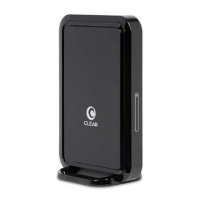
You will be prompted to authenticate your device by turning your CLEAR Hub Express off and then
on again in order for new settings to apply.


 To Next Page