5
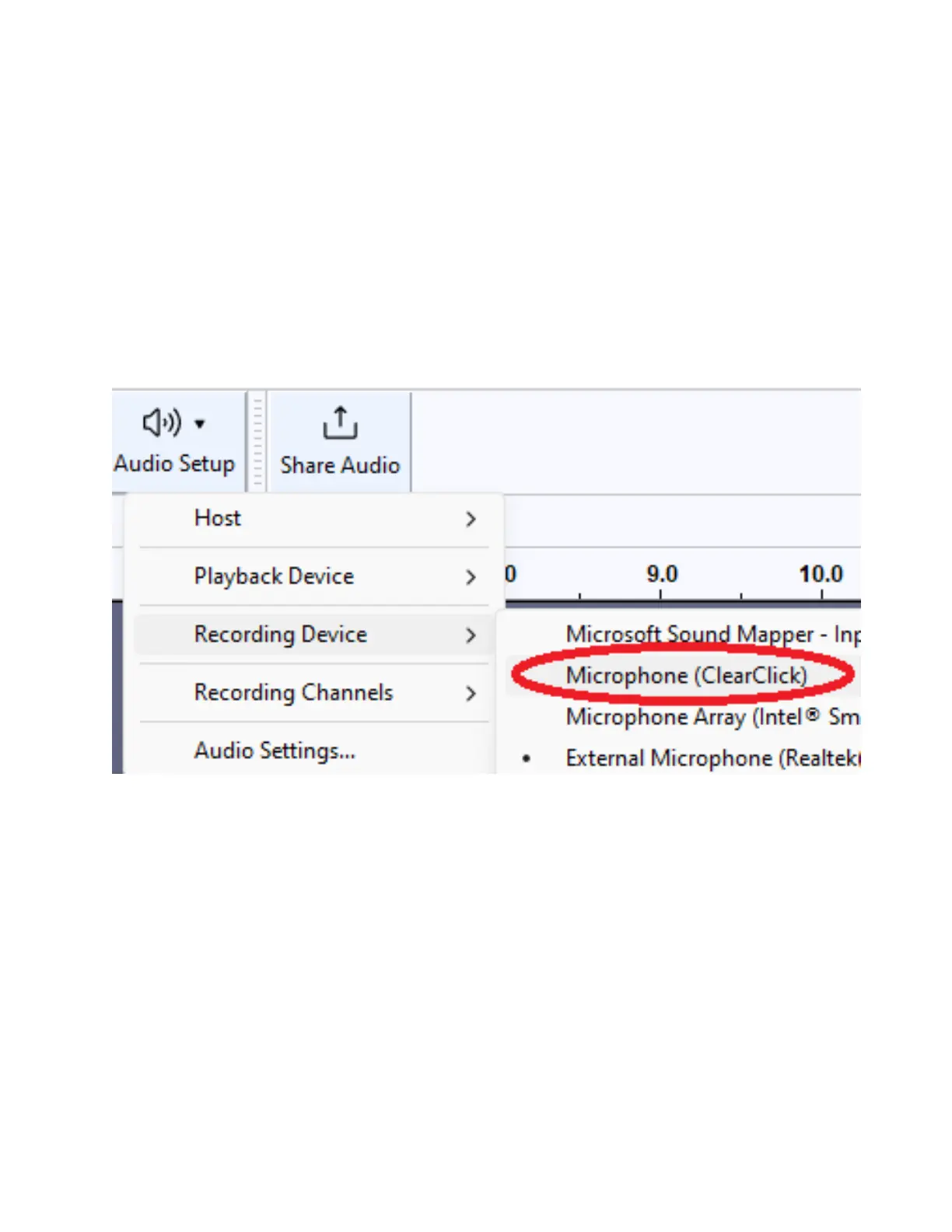
STEP #5. In the software, set the
input/recording source to your ClearClick
device.
To do this, click Audio Setup → Recording
Device → ClearClick/Microphone (ClearClick)
or similar.
STEP #6. Set the output/playback device to
your computer’s speakers. To do this, click
Audio Setup → Playback Device →
Headphones or Speakers.



 To Next Page