6
Before using the scanner for the first time, please
charge the battery at least 2-3 hours. Use the
included USB cable to plug the scanner into the
included USB wall power adapter.
The blue LED next to the power button will
illuminate when the battery is charging. The LED
will turn off when it is fully charged.
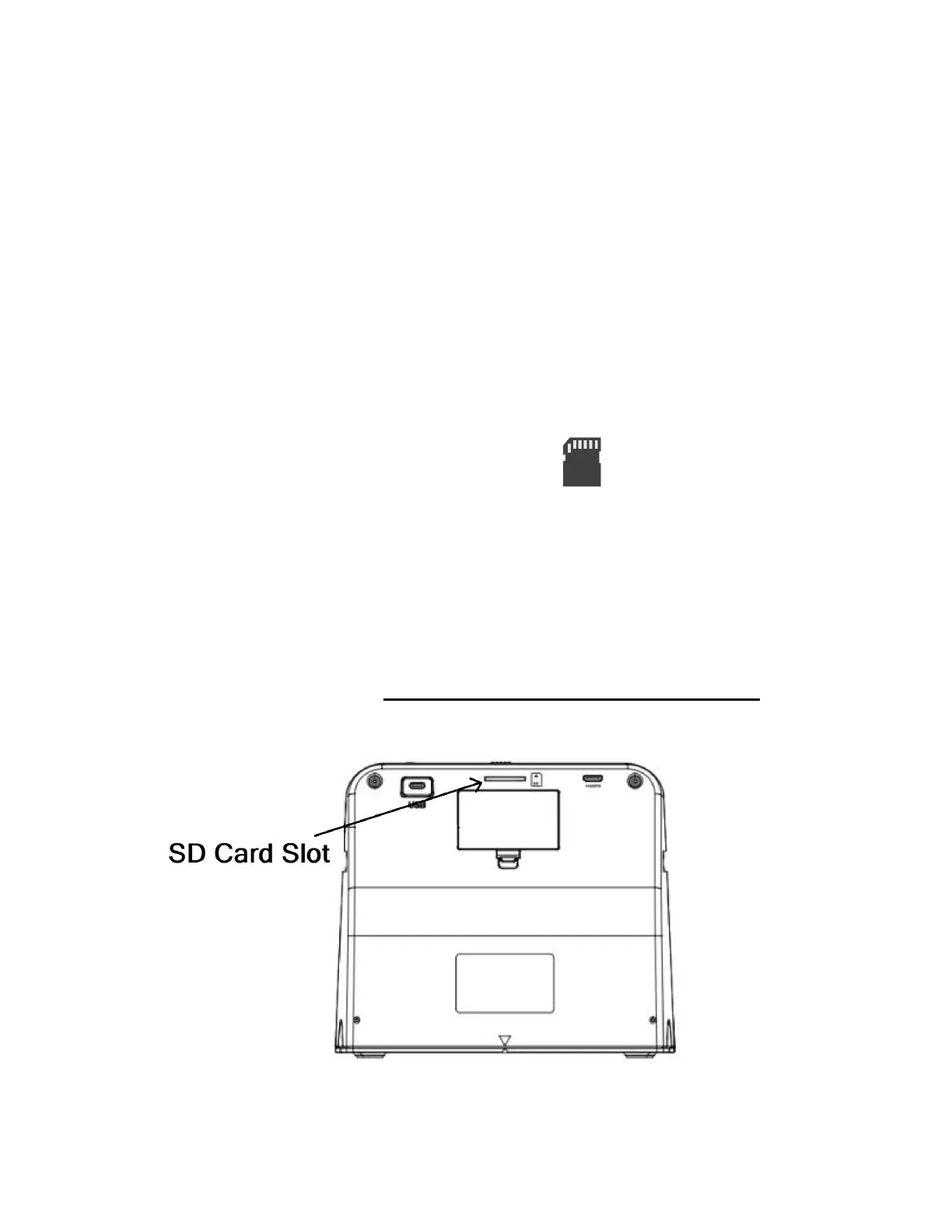
2. Insert the SD memory card.
Insert the included memory card into the slot in the
back of the scanner. (The gold contacts go in first,
face down.) Press the card into the slot until it
clicks into place. (Maximum Card Size: 32GB)


 To Next Page