9
scan photos without the base by simply placing
the scanner on top of the photo.
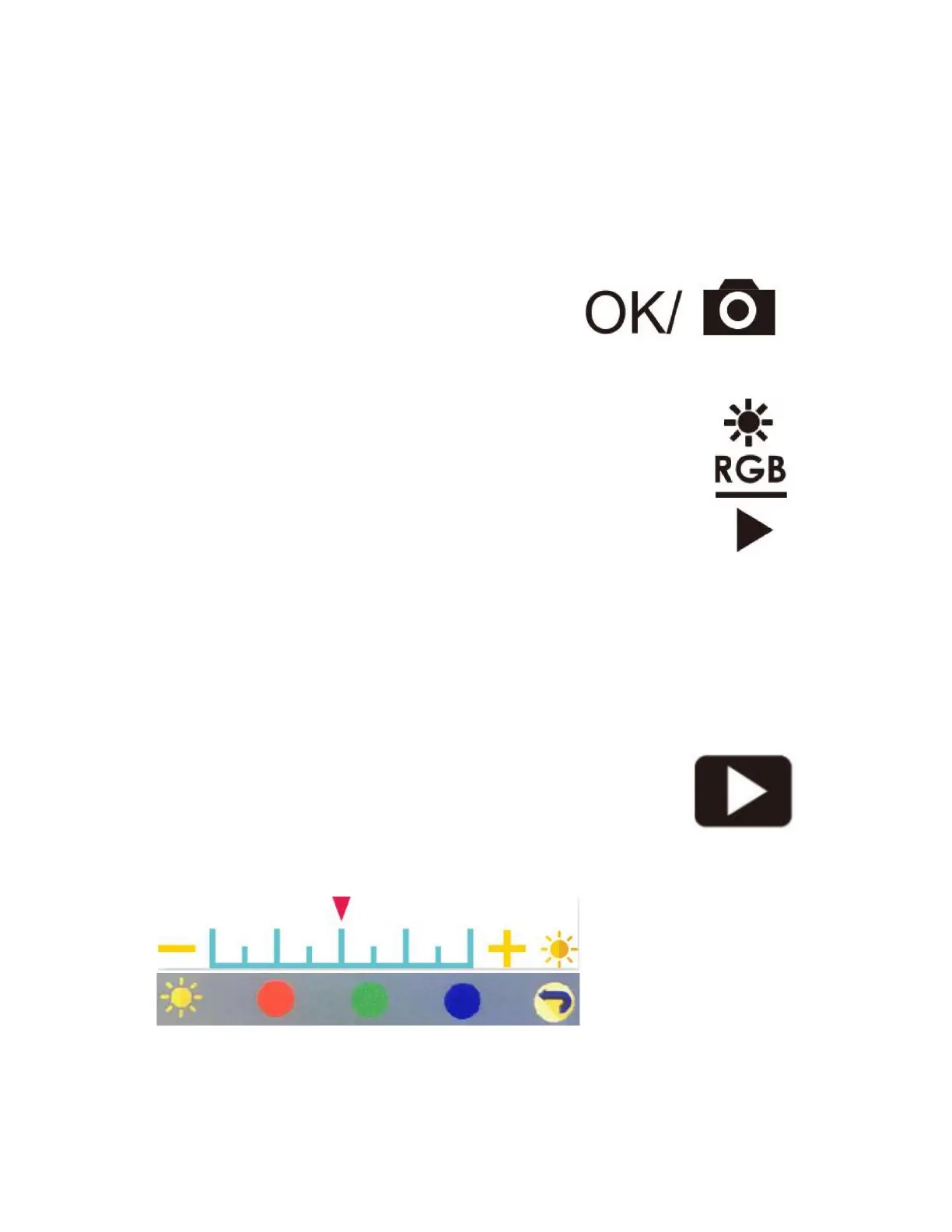
To scan a photo, simply press the “OK/Scan”
button and your photo will be scanned in one
second or less and saved
onto the SD memory card.
g. (Optional) To adjust the brightness
and color of the photo before each
scan, press the RGB (right ⮞) button
on the scanner.
Use the left and right arrows to adjust the
brightness of the image.
To move to the red/green/blue
settings, press the Play button.
Then, use the right and left arrow
keys to adjust the setting.
To save the settings, press the “OK” button.


 To Next Page