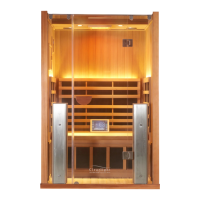
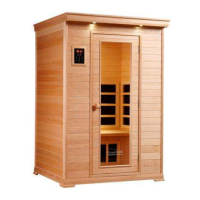
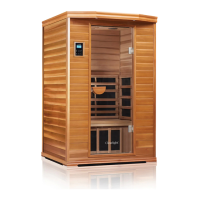
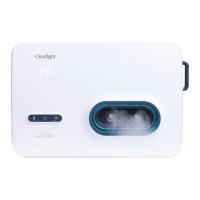
ESSENTIAL -1, -2, -3
26 27
UK 0238 202 6522 infraredsauna.co.uk
EU +49 (0) 4040 110 162 clearlightsaunas.eu
ESSENTIAL - C
26 27
Using Your Sauna Control Panel
USING YOUR INFRARED SAUNA
Fahrenheit & Celsius
You can alternate between Fahrenheit and Celsius by pressing the CELCIUS/FAHRENHEIT button on the keypad.
Inside / Outside Light
1. Press the button labeled “INSIDE” to turn on or o the Interior light.
2. Press the button labeled “OUTSIDE” to turn on or o the exterior light.
Reservation
You can preset the time in advance that your sauna will turn on up to 48 hours from the current time.
1. Press the POWER button to turn on your sauna.
2. Press and hold the TIME UP / TIME DOWN buttons for 3 seconds then release the buttons.
3. The time and temperature will begin to ash.
4. Press the TIME UP button to set the number of hours ahead you would like your sauna to turn on.
5. The range is 1- 48.
6. Set the maximum temperature by pressing the TEMP UP / TEMP DOWN button.
7. The keypad will ash and the time will count down in one hour increments until the sauna turns on.
8. To cancel the reservation, press the “POWER” button once to turn o the sauna.
Audio System
Your Clearlight Sauna is equipped with stereo speakers that can be accessed by either Bluetooth or through the Aux
3.5 mm connection located in the keypad .
1. Your Clearlight sauna is Bluetooth ready. To connect audio via Bluetooth:
A) Open your Bluetooth enabled phone, tablet or computer and search for surrounding Bluetooth devices to nd a
device called BM84-NEW. The pairing code for this device is 0000.
2. There is a 3.5mm Infared jack in the lower portion of the sauna keypad.
You can connect any audio device using this connection.
USING YOUR INFRARED SAUNA


 To Next Page