
 Need help?
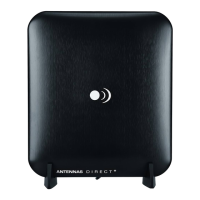
Do you have a question about the ClearStream Micron XG and is the answer not in the manual?
Connect the antenna directly to the TV/converter box and perform a channel scan for reception.
Steps to connect the antenna, in-line amplifier, and power supply, followed by a channel scan.
Guidance on experimenting with locations, using windows, and extending cables for optimal signal reception.
Steps to resolve issues when no signals are received, including checking connections and rescanning.
Addresses issues with missing specific channels, suggesting rescanning or checking VHF/UHF compatibility.
Solutions for signal interference, including antenna placement and avoiding metal objects.
 General
| Brand | ClearStream |
|---|---|
| Model | Micron XG |
| Category | Antenna |
| Language | English |

 To Next Page