Need help?
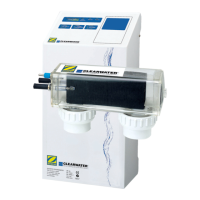
Do you have a question about the ClearWater Zodiac LM2-40 and is the answer not in the manual?
Details critical safety warnings related to electrical shock risks during installation and operation.
Addresses issues where the pool appears clean but lacks sufficient chlorine levels.
Provides solutions for a green pool lacking chlorine, suggesting superchlorination or manual shocking.
Troubleshoots why the chlorinator's output is low, covering voltage, salt levels, and cell condition.
Diagnoses reasons for the unit shutting down completely, including power and fuse issues.
Details the process for manually cleaning the chlorinator cell to remove scale buildup.
 General
| Brand | ClearWater |
|---|---|
| Model | Zodiac LM2-40 |
| Category | Swimming Pool Vacuum |
| Language | English |


 To Next Page