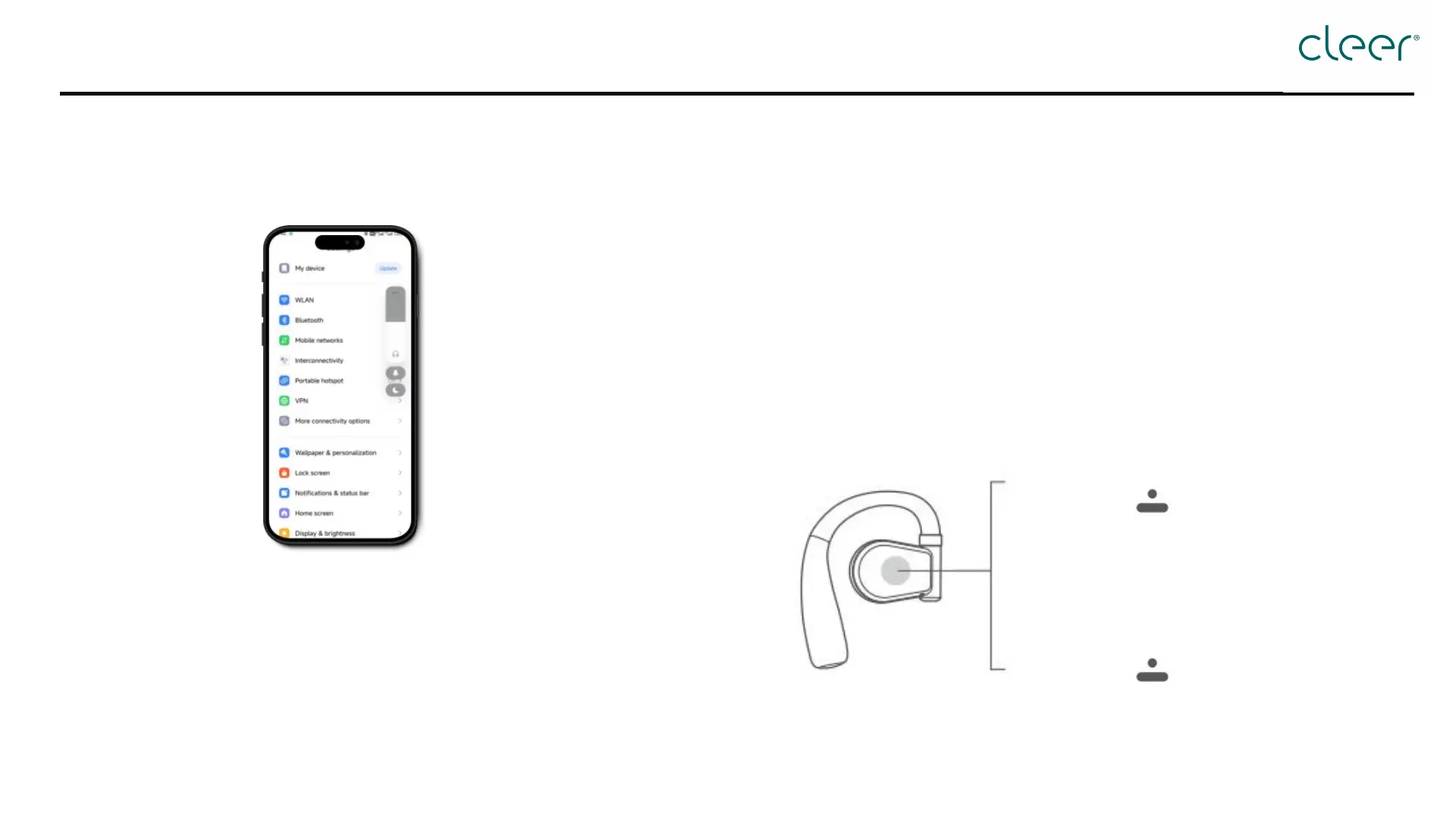
Option 1: By phone
Adjust volume on the user's
mobile device
How to adjust volume?
Option 2: By touch pad
Decrease volume:
Tap touch pad of the left headphone twice, holding
the second tap; the volume will keep decreasing.
Increase volume:
Tap touch pad of the right headphone twice, holding
the second tap; the volume will keep increasing.
Right headphone
Double tap Volume up continuously
(Hold the second tap)
Left headphone
Double tap Volume down continuously
(Hold the second tap)


 To Next Page