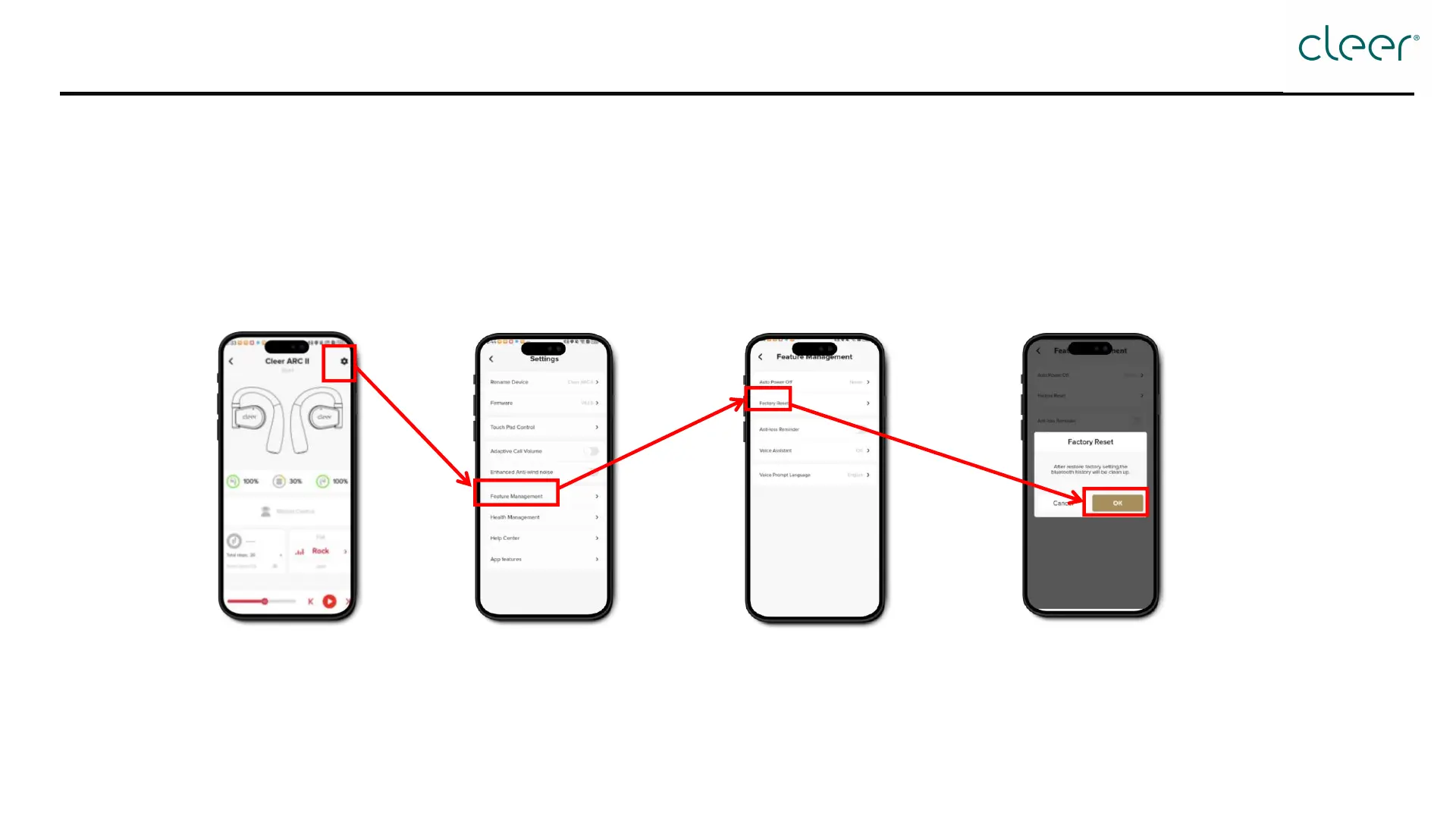
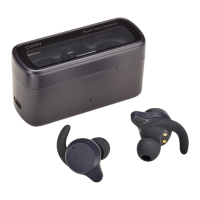
How to reset?
Step 1: Open the Cleer+ App, and
tap the [Setting] icon at the top
right corner.
Step 2: Tap [Feature Management]
Step 3: Tap [Factory Reset]
Step 4: Tap [OK] in the pop up window
* Reminder: To use this function, both left and right headphones must be connected to the app simultaneously. If only one headphone is connected, a pop-up reminder will
appear.


 To Previous Page