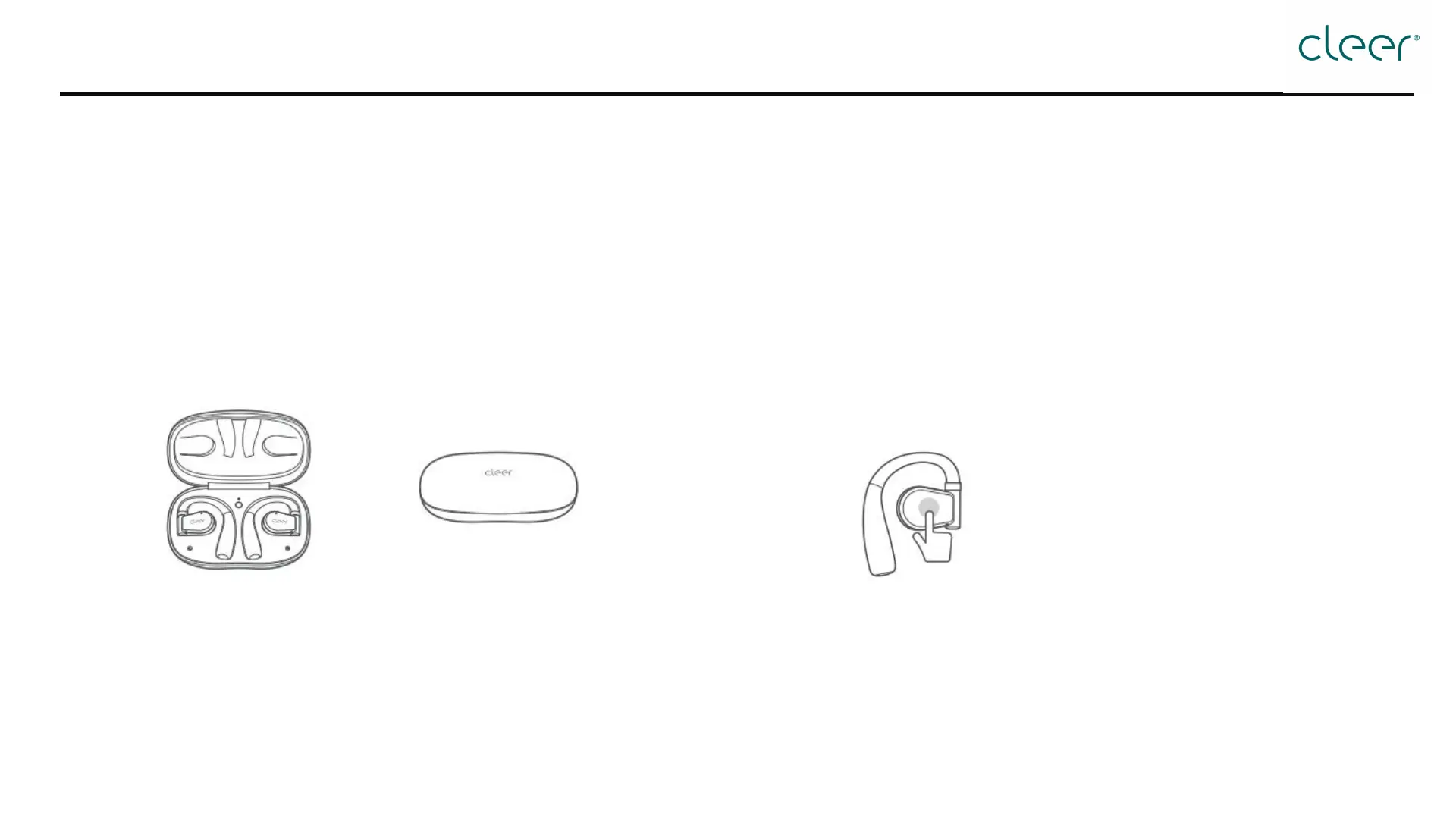
Option 1: Turn on/off automatically
How to turn on/off?
Option 2: Turn on/off manually
Turn on: Open the charging case, and ARC II will turn on
automatically.
Turn off: ARC II will turn off and start charging when you put
them inside the charging case.
Without charging case:
Turn on: Tap and hold touch pad of each headphone for 5
seconds; two headphones will turn on simultaneously.
Turn off: Tap and hold touch pad of either headphone for 5
seconds; two headphones will turn off simultaneously.



 To Next Page