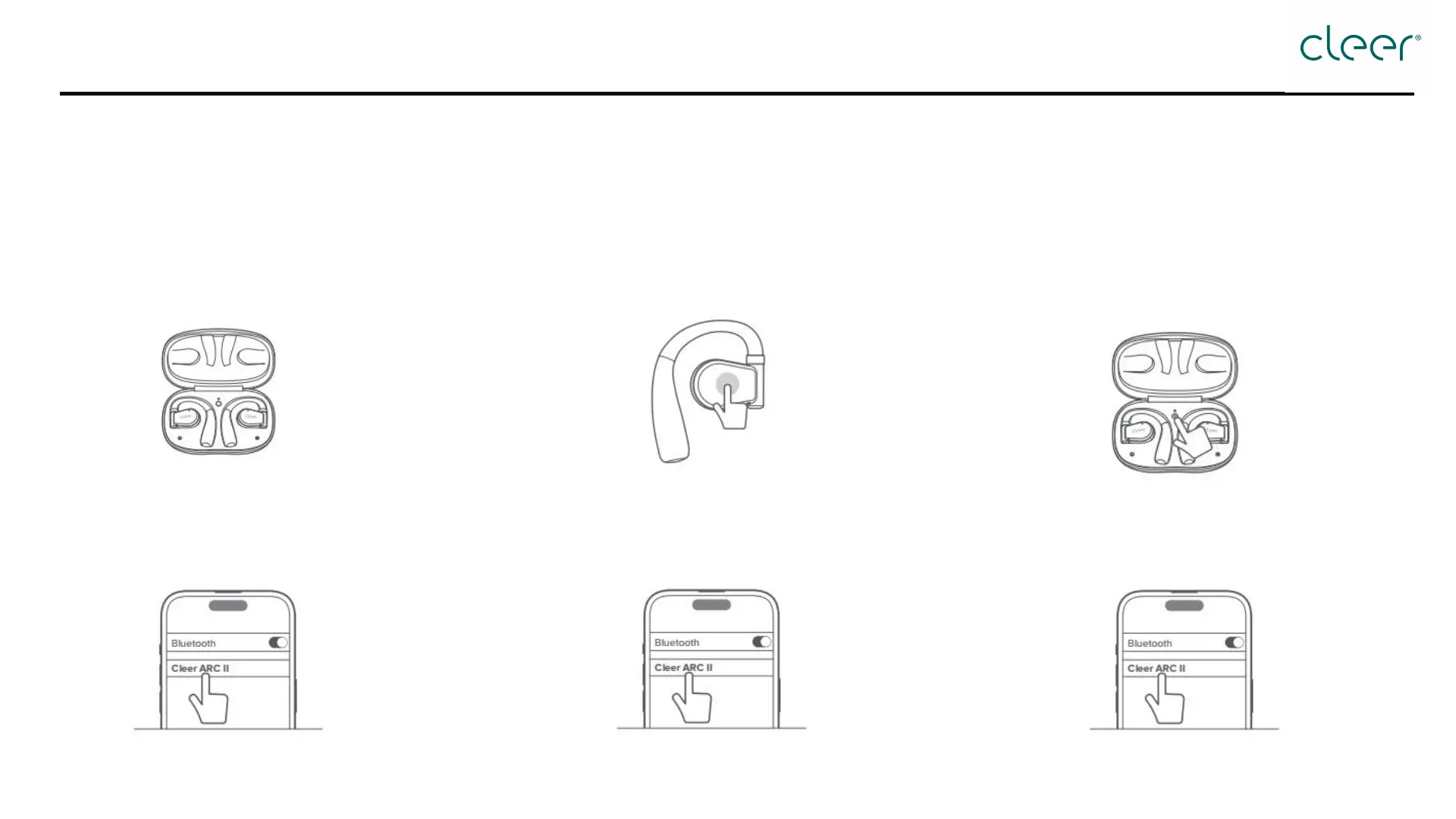
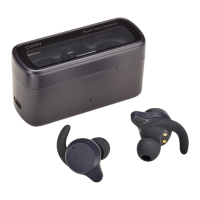
How to pair?
Step 1:
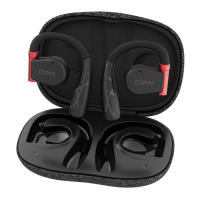
Open the charging case and take out ARC II. When the
LED blinks white and red, ARC II will be ready for
pairing.
Step 2:
Select "Cleer ARC II" in the Bluetooth pairing list on
your mobile device.
Step 2:
Select "Cleer ARC II" in the Bluetooth pairing list on
your mobile device.
Step 2:
Select "Cleer ARC II" in the Bluetooth pairing list on
your mobile device.
Option 1: First pairing Option 2: Touch pad pairing
Option 3: Charging case pairing
Step 1:
Tap touch pad of either headphone five times
continuously, and ARC II will be ready for
pairing.
Step 1:
Place both headphones back into the charging case.
Next, tap and hold the MFB button until the LED
blinks white and red, and ARC II will be ready for
pairing.


 To Next Page