Option 3: By motion control
Option 2: By touch pad
Double tap:
Pick up/hang up
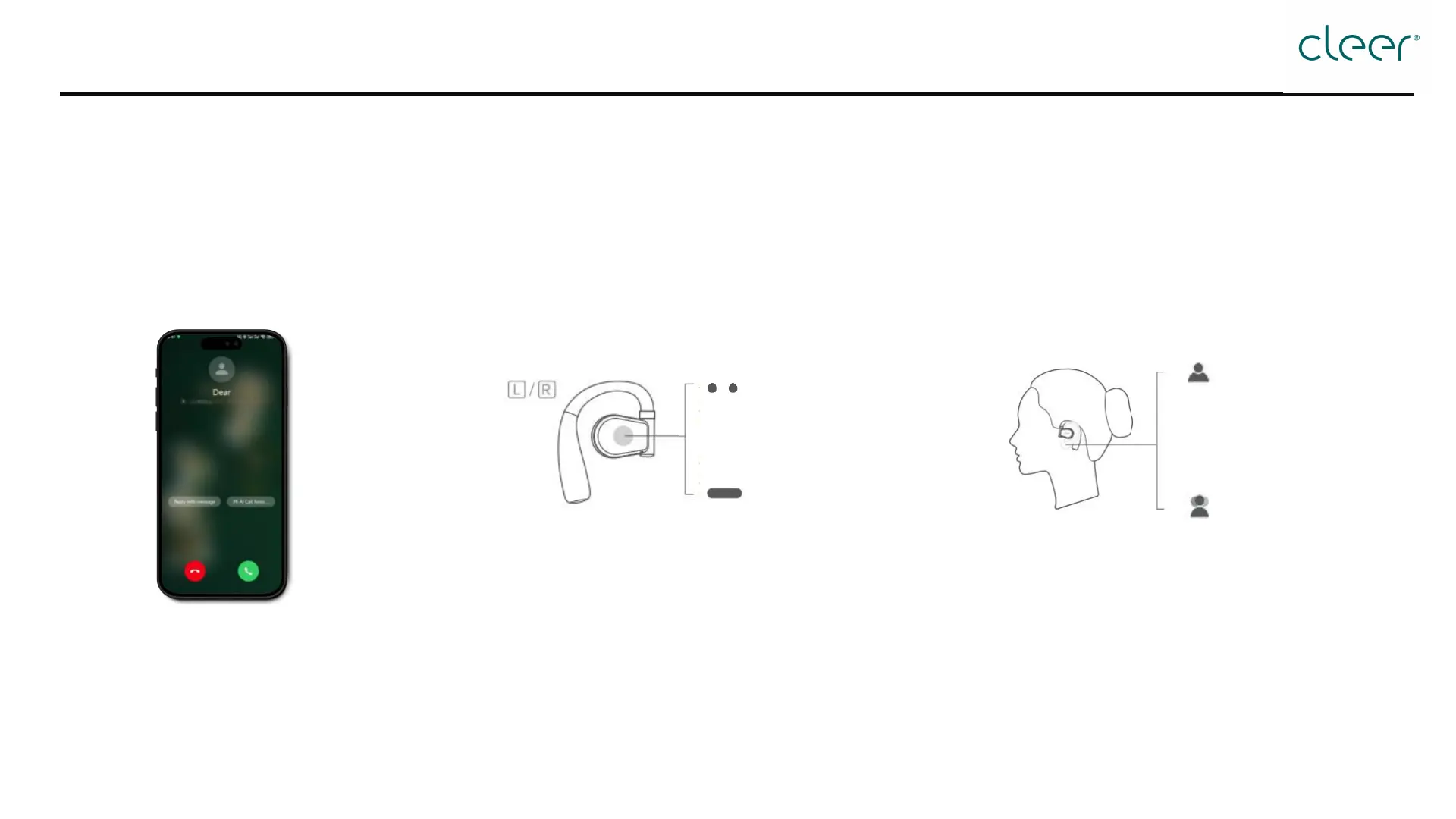
How to make/answer phone calls?
Option 1: By phone
Reject
Ø It is recommended for iphone users to set headphones priority as follows:
Go to Settings → Accessibility → Touch → Call Audio Routing → switch to "Bluetooth Headset"
Ø For other phones: Headphones will be prioritized as default.
Make/answer calls on
the user's mobile device.
* Can be customized in the Cleer+ App * This function is deactivated by default. Activate it in
the Cleer+ App.
Pick up
Nod head×2
Hang up/reject
Shake head×2


 To Next Page